Welcome Message
The welcome message greets visitors and signals what the agent can handle. Keep it short, match the agent's tone, and leave rules to Custom Instructions.
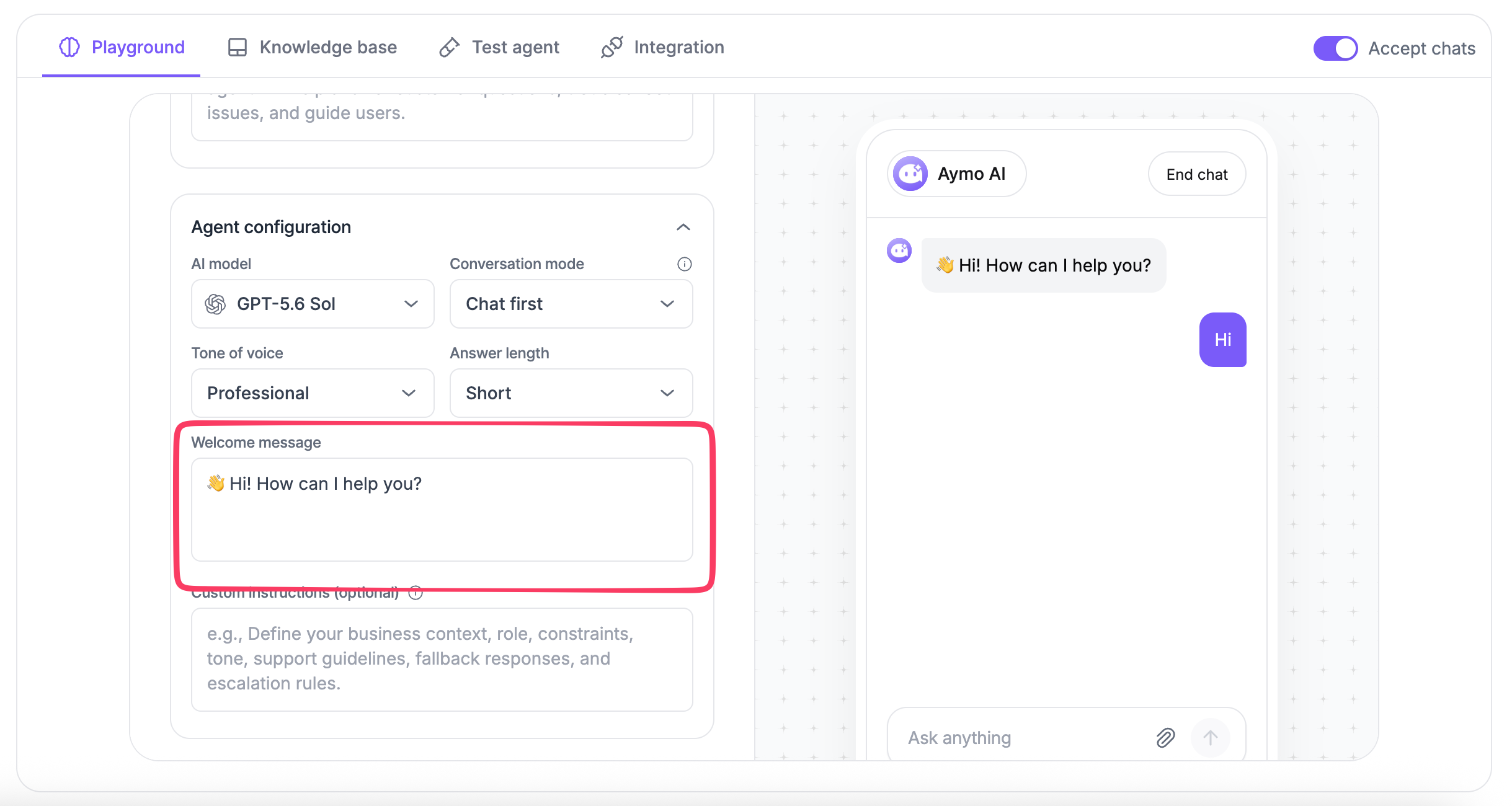
Set the first message visitors see when they open your Nivon AI agent.
Use it to greet visitors, explain what the agent can help with, or guide them toward the next step.
What to include
A useful welcome message can contain:
- A short greeting
- The main topics the agent handles
- A clear prompt for the visitor to start
For example:
Hi! How can I help you today?
For customer support:
Hi! I can help with products, pricing, orders, and account questions. What can I help you with?
For a product-focused agent:
Welcome! Ask me about our products, plans, or features.
Keep the message focused
Keep the welcome message short enough to read quickly.
Match it with the agent's Tone of Voice so the opening message is consistent with later responses.
Avoid adding detailed policies, support rules, or complex instructions here. Use Custom Instructions for those requirements.
Update the welcome message
- Open your AI agent.
- Go to Agent Configuration.
- Find Welcome Message.
- Enter or update the message.
- Save your changes.
The updated message will appear when visitors start a new conversation with the agent.
Last updated: August 19, 2026