Suggested Prompts
Suggested prompts lower the barrier to starting a conversation by showing visitors questions they can select. They are managed on the Test Agent tab.
Suggested Prompts give visitors ready-to-use questions when they open the chat. They can select a prompt to start a conversation without typing the question themselves.
Enable Suggested Prompts to display them in the chat.
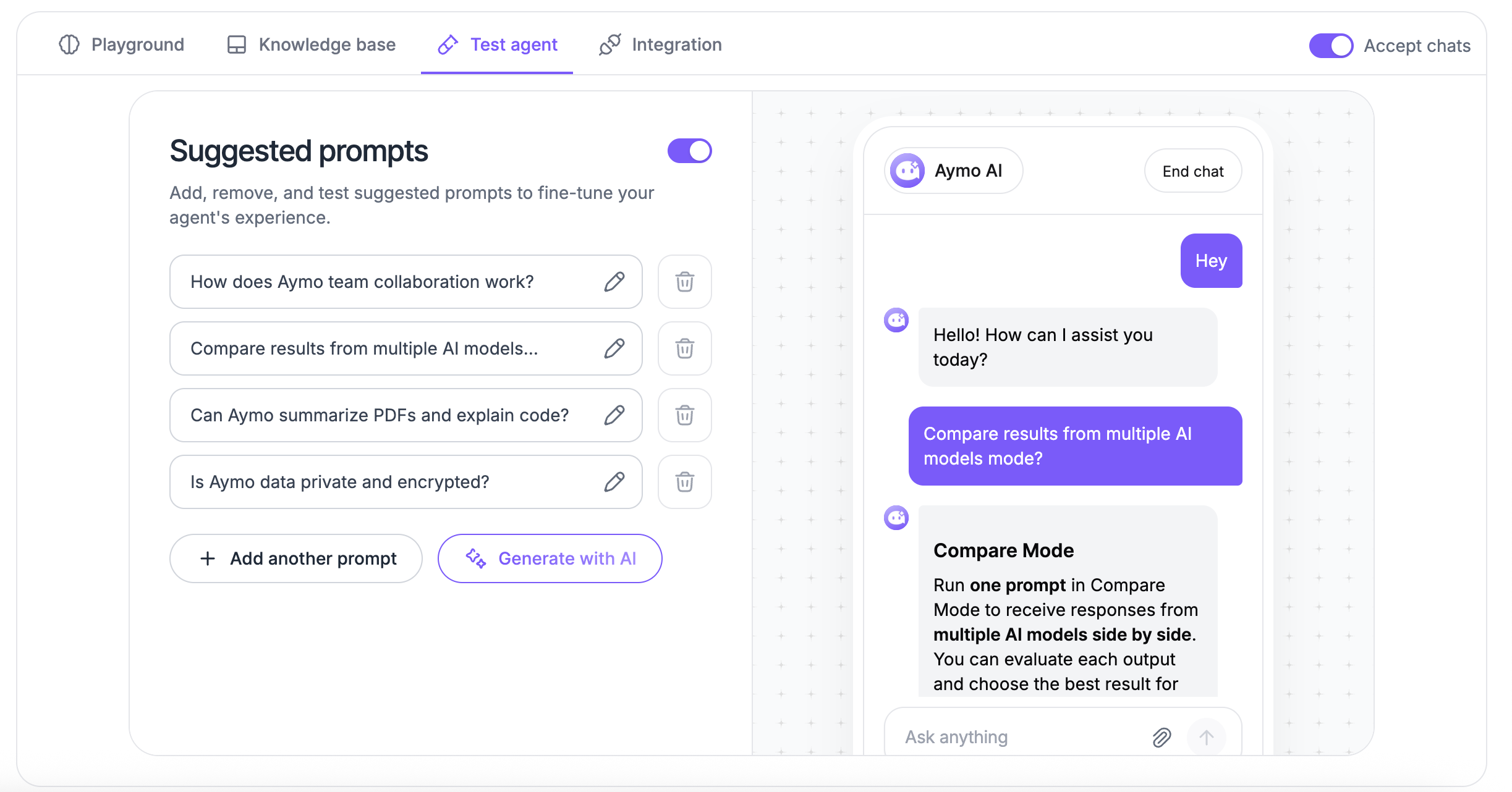
Manage prompts
Prompts are added, edited, and removed from the same list.
Add a prompt
Create prompts around questions visitors commonly ask.
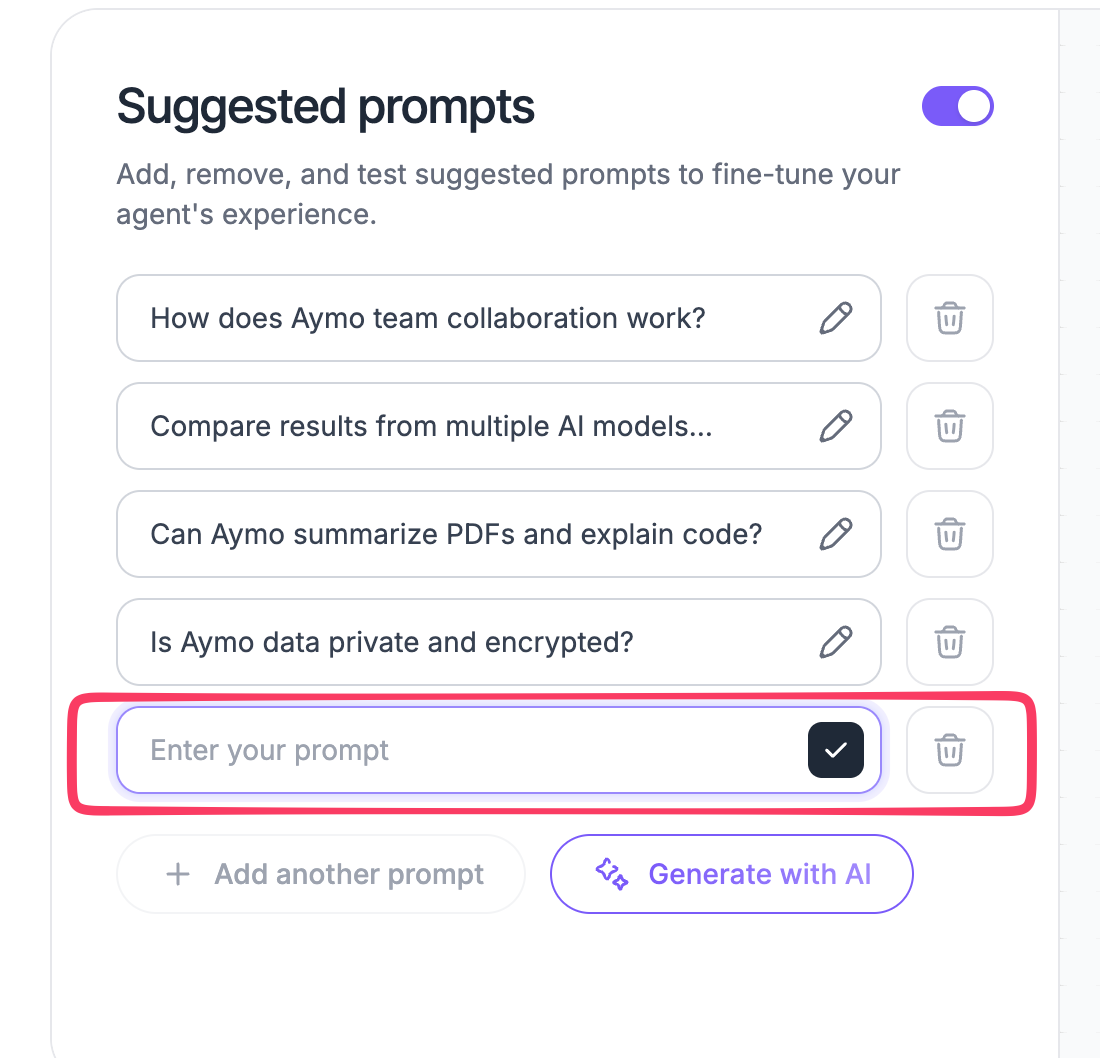
- Open your AI agent.
- Go to Suggested Prompts.
- Select Add another prompt.
- Enter a question or request.
- Save the prompt.
Keep prompts short and specific. Use questions that your agent can answer with the knowledge and settings you have configured.
Examples:
- What plans are available?
- How do I reset my password?
- What is your refund policy?
- How long does shipping take?
Edit a prompt
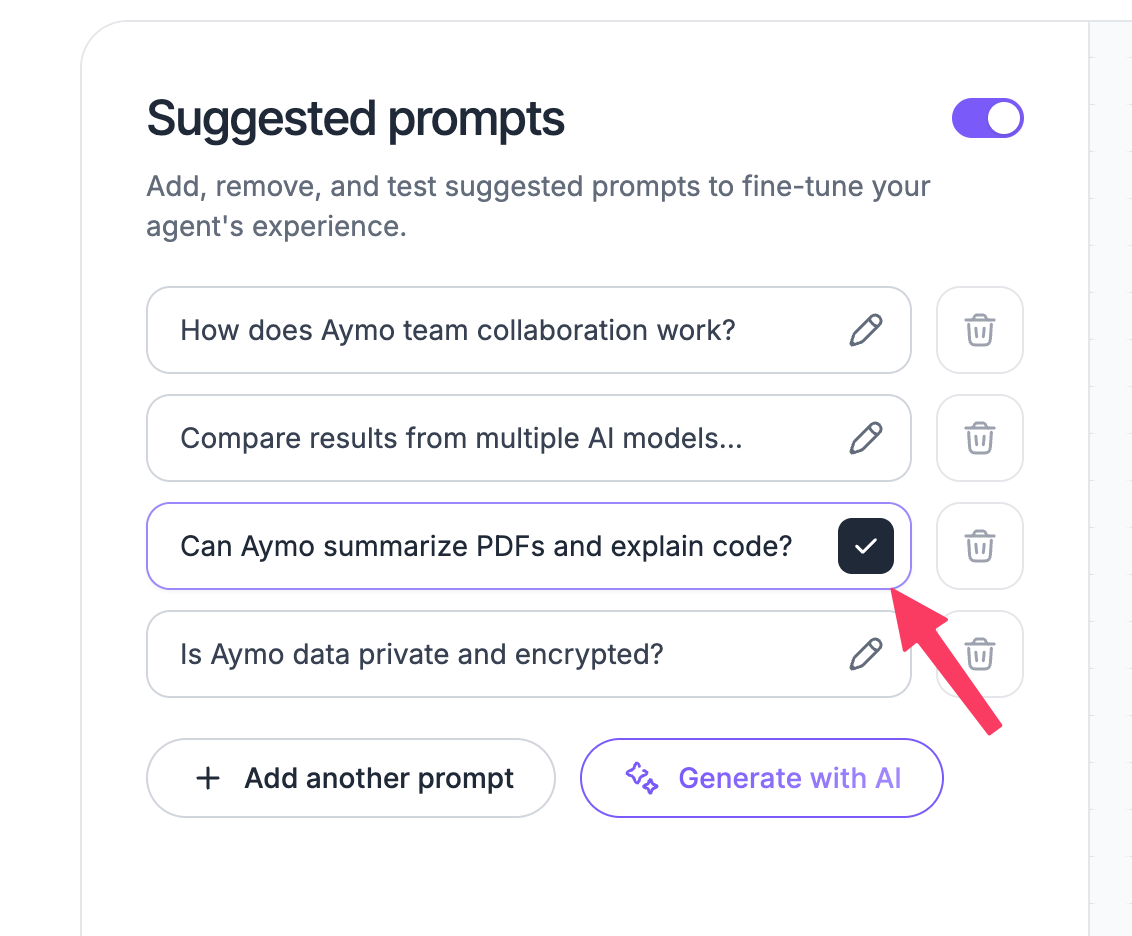
Select the Edit icon next to a prompt, update the text, and save your changes.
Use this when a prompt is unclear, outdated, or no longer matches common visitor questions.
Delete a prompt
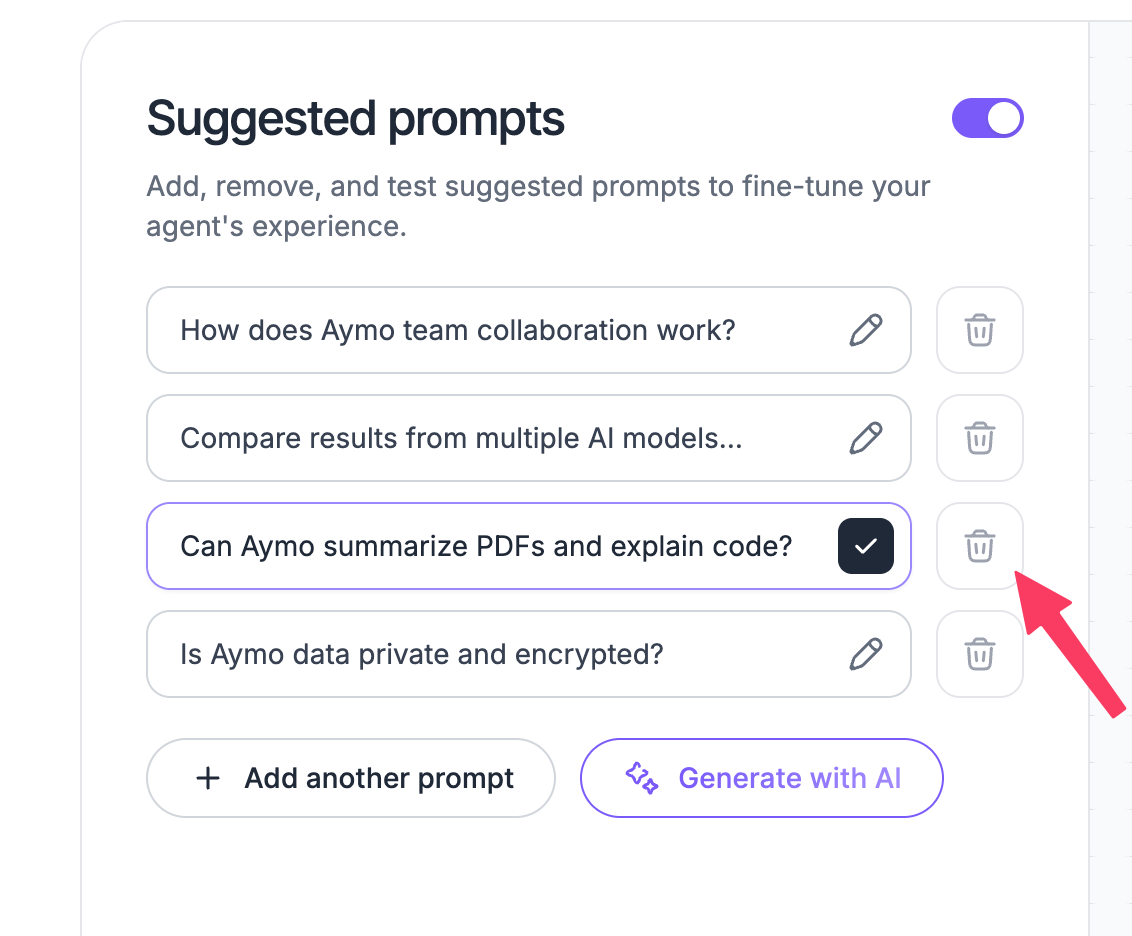
Select the Delete icon next to a prompt to remove it.
Delete prompts that are outdated, rarely useful, or no longer relevant to your agent.
Generate prompts with AI
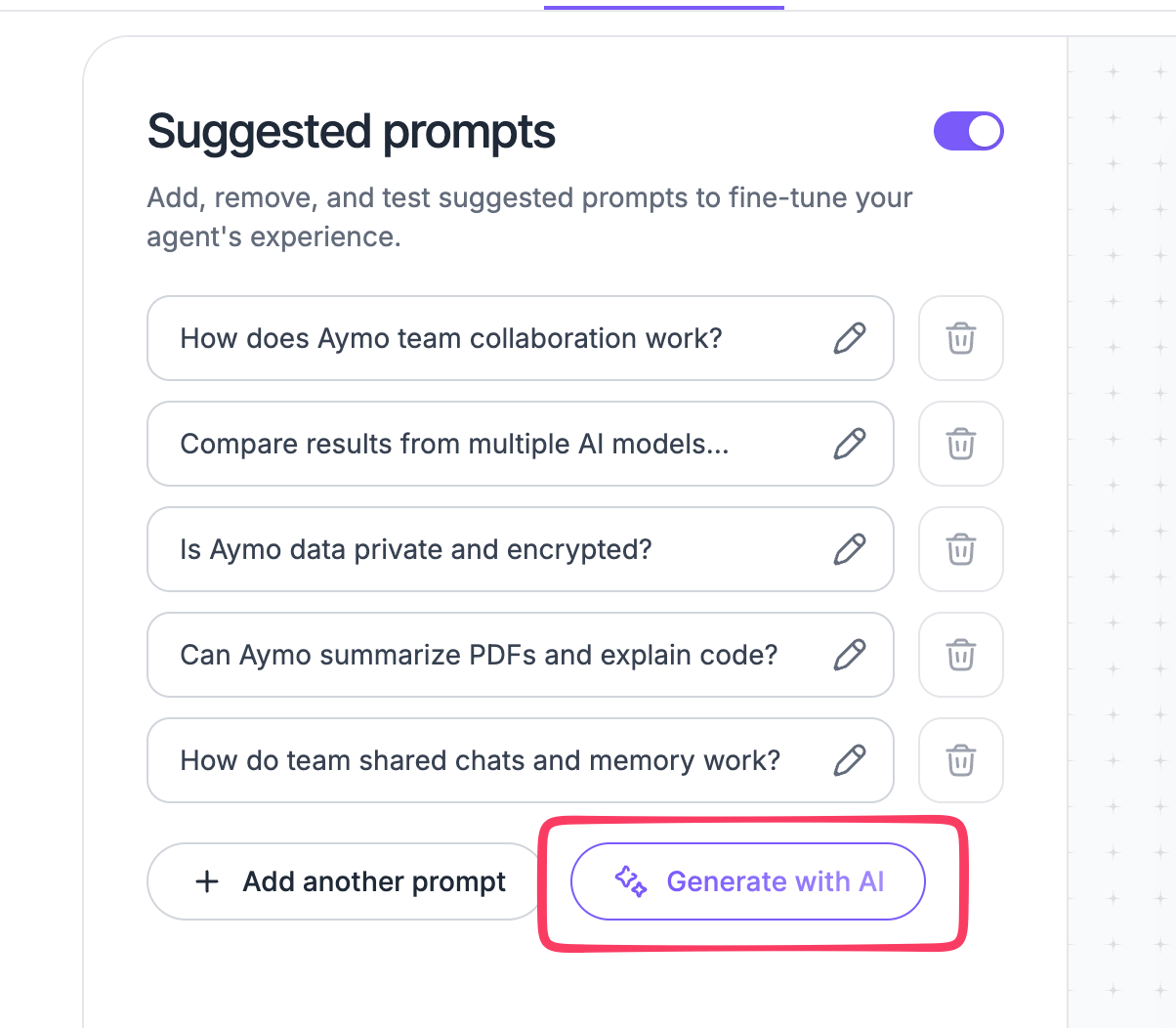
Select Generate with AI to automatically create suggested prompts.
Review the generated prompts before keeping them. Choose prompts that match common visitor questions and the content available to your agent.
Enable or disable prompts
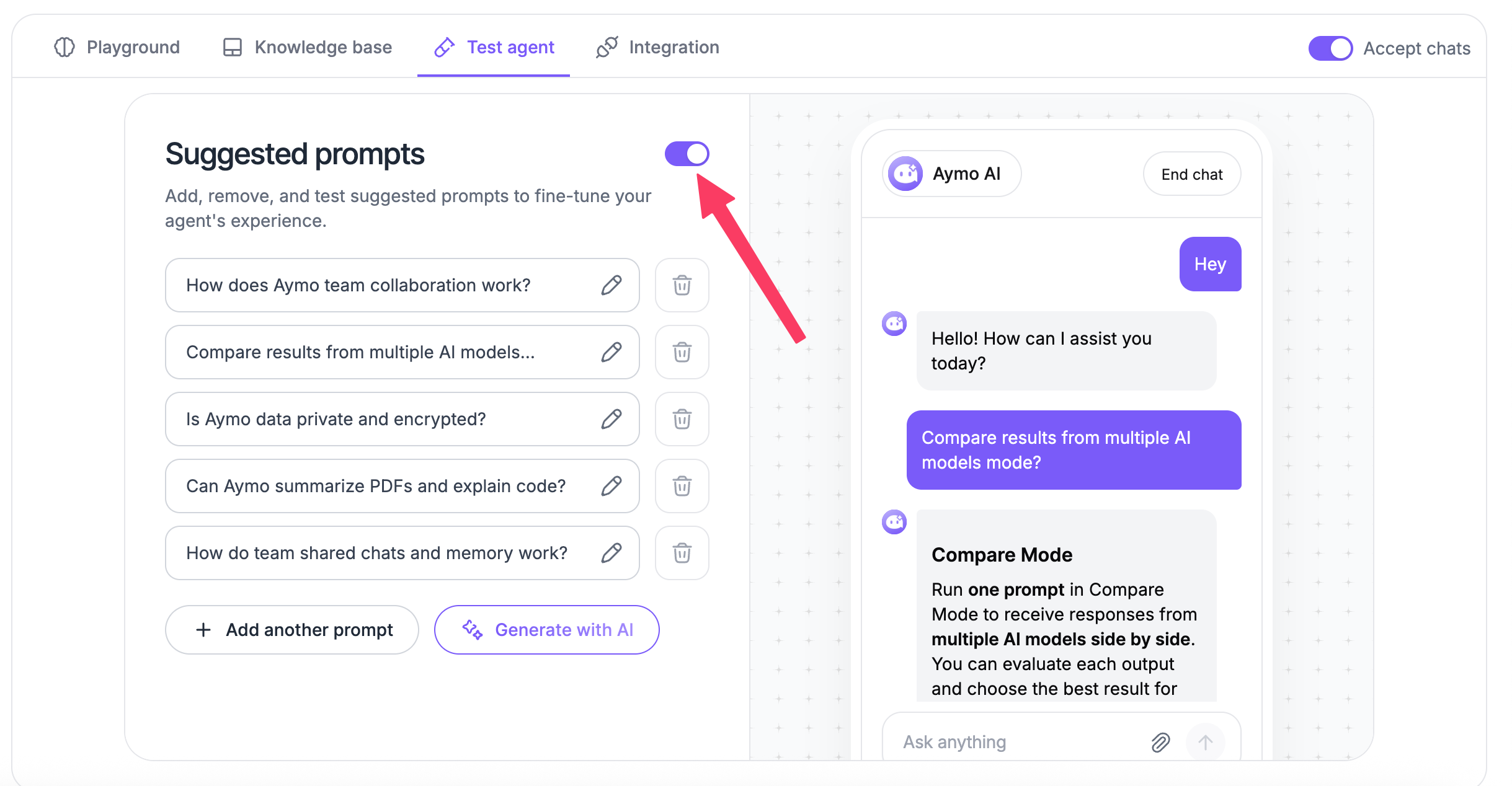
Use the toggle in Suggested Prompts to control whether prompts appear in the chat.
When disabled, visitors can still start a conversation by entering their own question.
Last updated: August 19, 2026