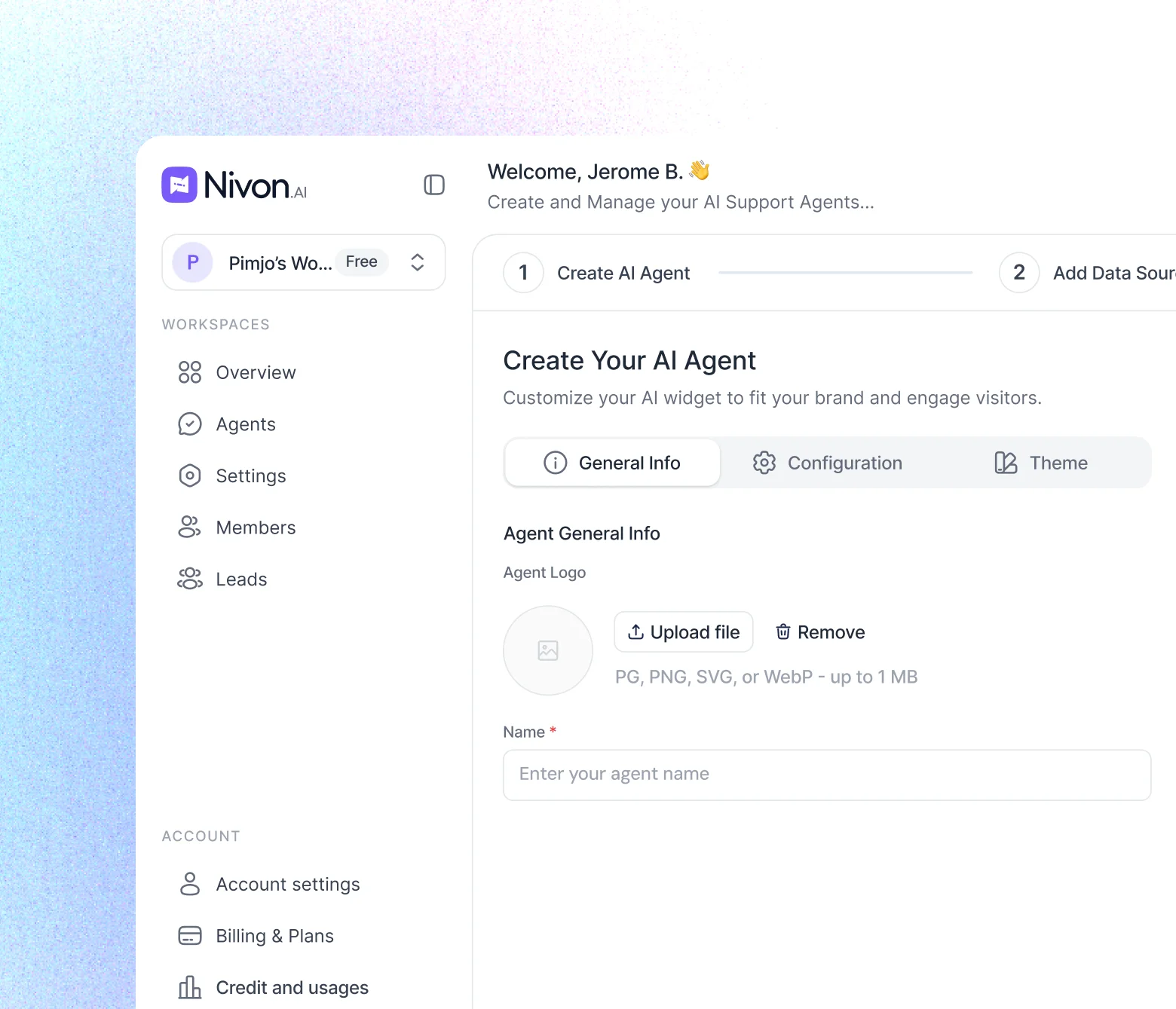
AI Customer Support Chatbot That Answers Like Your Best Agent, 24/7
Nivon is a no-code AI chatbot for customer service, trained on your website, docs and files. It answers customers instantly in your team's tone, and when a question needs a person, it collects their name and email and hands the conversation to your team.

Highlights
Trained on your own content
Crawl your website, paste FAQs, upload PDFs and docs, or import from Google Drive, Notion, Dropbox and OneDrive. Every source shows whether it indexed.
Your tone, your rules
Set tone of voice, answer length and custom instructions, add guardrails for off-limits topics, and test in the playground before going live.
Human handoff with full context
When a person is needed, Nivon asks for the customer's name and email, marks the conversation Needs human and can alert your team in Slack, Discord or Telegram.
Support analytics
Track conversation volume, the share Resolved by AI, average response time and where your customers write from.
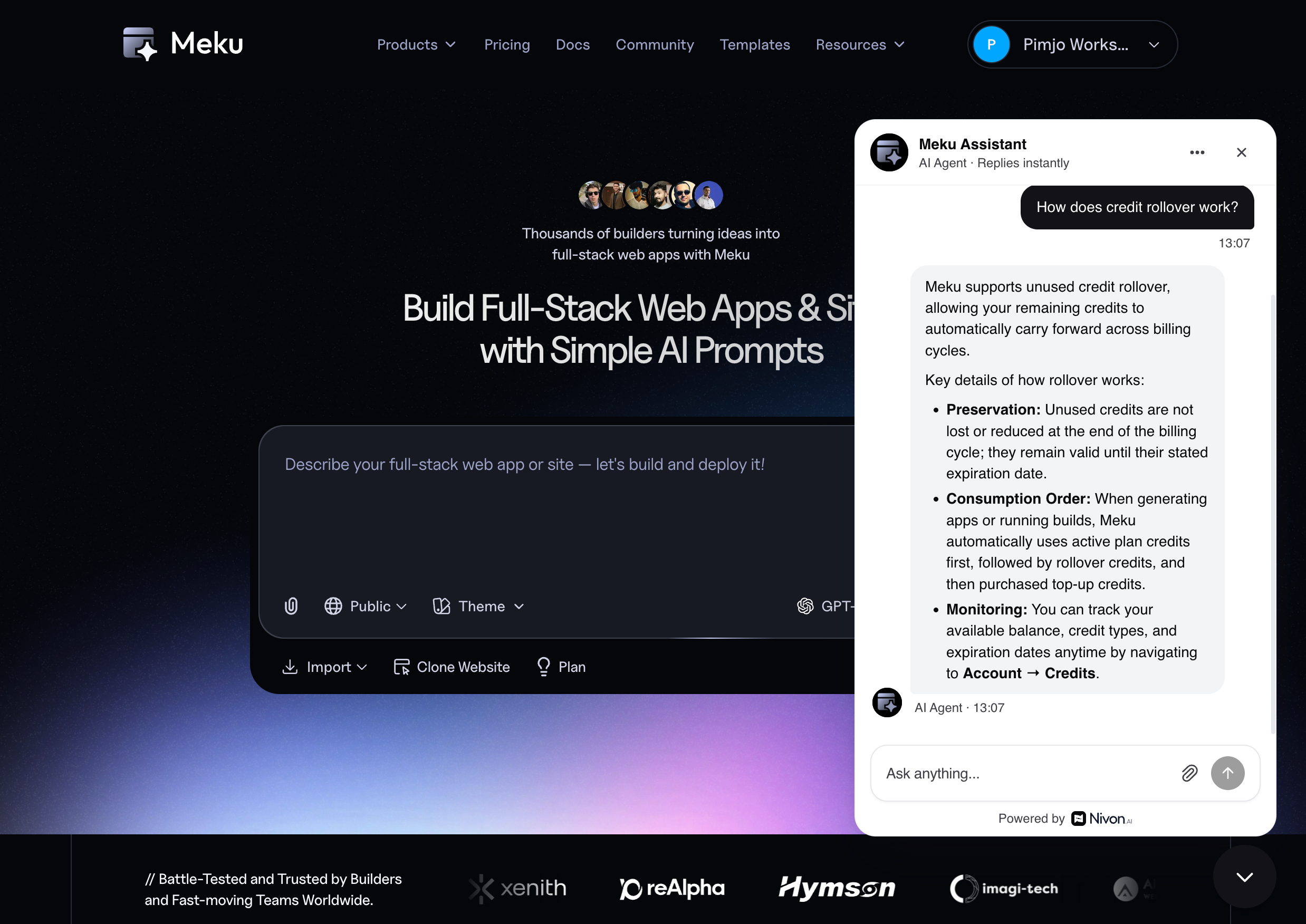
Launch an AI customer support chatbot in three steps
No technical knowledge required. Add your content, check the answers, and add the chatbot to your site.
Connect your content
Add your website URL, paste FAQs, or upload PDFs and docs. Nivon crawls and indexes everything.
Test and tune
Set tone, answer length and AI model, then test answers with real customer questions in the playground.
Add it to your website
Paste one script into HTML, React, Next.js or Google Tag Manager, install the WordPress plugin, or connect Webflow in one click.
FAQs
What an AI customer support chatbot does
An AI customer support chatbot answers customer questions automatically, using your own content as its source. Instead of following a rigid decision tree, Nivon reads the question, finds the relevant answer in your knowledge base and replies in plain language, in your team's tone. When a question needs a person, it hands the conversation to your team.
Most support queues repeat the same handful of questions every week: refunds, shipping, account access, pricing and password resets. Nivon answers those around the clock, so your team can spend its time on the conversations that really need a person.
Answers built on your own content
Setup takes minutes and needs no code. Enter a URL and Nivon crawls your site, paste FAQs or text, upload PDF, DOCX and CSV files, or import content from Google Drive, Notion, Dropbox and OneDrive. Every source shows whether it indexed and when it was last updated, so you know exactly what the chatbot knows.
Your content changes, and your answers should too. Website sources can update automatically every 7, 14 or 30 days, or on a custom schedule, so the chatbot follows your current pages and policies rather than last quarter's version.
A human handoff that keeps customers in the loop
A support chatbot shouldn't guess. When Nivon decides a question needs a person, it asks the customer for their name and email and marks the conversation Needs human. Your team replies by email from the conversation view with the full history in front of them, so nobody has to repeat themselves. Slack, Discord and Telegram alerts tell your team the moment a customer asks for help, with the visitor's details and an AI summary.
Where customers reach your support chatbot
Most teams start with the website widget. Nivon has install code for HTML, React, Next.js and Google Tag Manager, a WordPress plugin and a one-click Webflow integration, and allowed domains keep the widget on your own sites. The same agent can also answer customers on Telegram and Facebook Messenger, and it replies in the language each customer writes in, across 95+ languages.
What good looks like after launch
An AI chatbot is only as good as the content behind it. If a policy isn't written down, that conversation should go to a person, and Nivon is designed around that limit. Analytics show conversation volume, the share of conversations Resolved by AI and average response time, so when a topic keeps escalating you know which content to add or update. Each fix raises the share of questions answered instantly.
Related Nivon use cases
Teams focused on ticket volume should also read the AI help desk use case, which covers ticket deflection in more depth. If most questions are about setup and configuration, see the AI documentation assistant. Serving customers worldwide? The multilingual AI chatbot page explains how one knowledge base answers in 95+ languages.
Get started
Great customer support starts with Nivon's AI chatbot
Build an AI customer support chatbot that learns your product, answers customers instantly in your team's voice, and is there for them 24/7.
Start for free- Set up in minutes
- 95+ languages supported