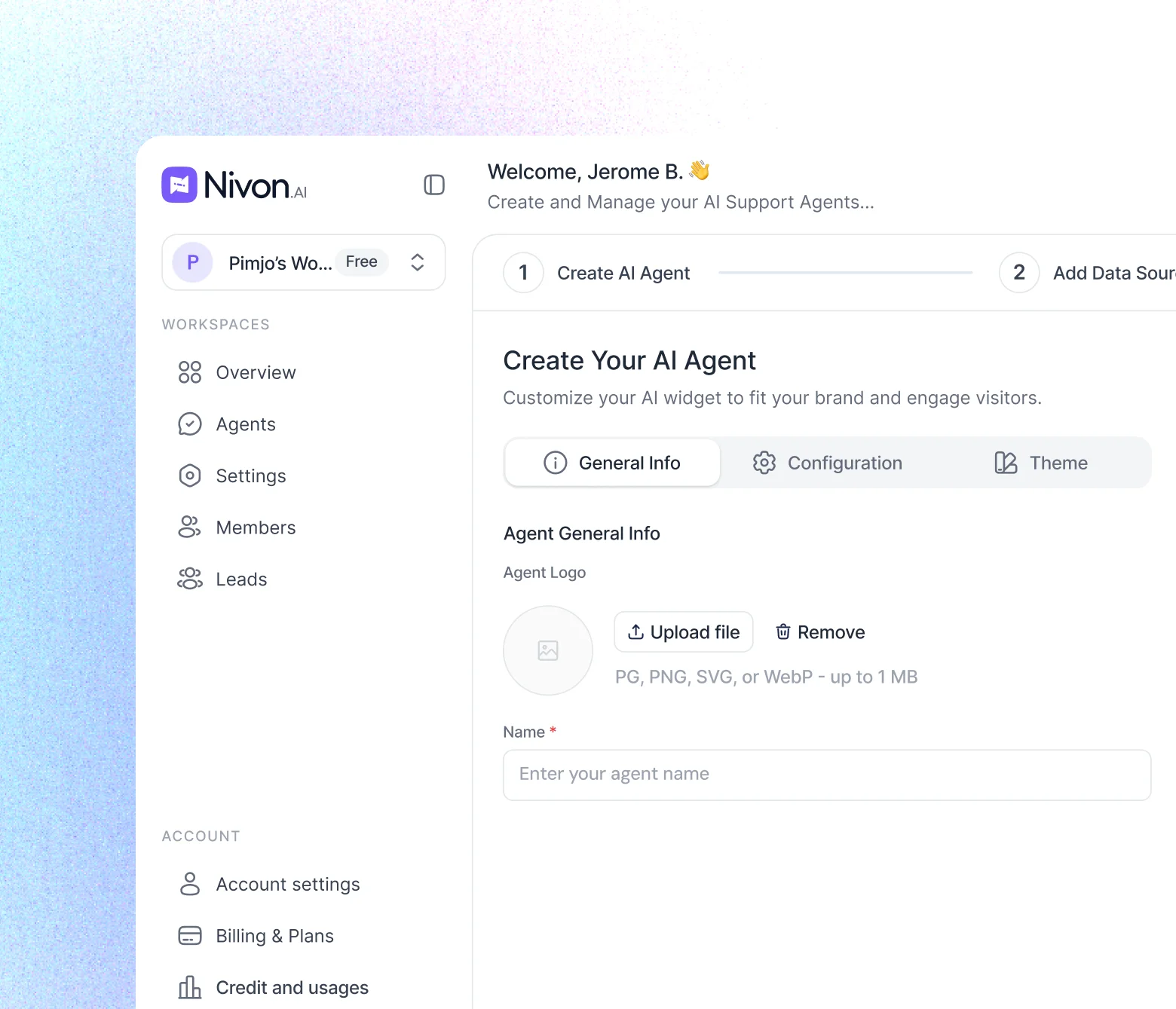
Internal AI Chatbot for HR, IT and Company Knowledge
Give employees instant answers from your handbook, policies and internal docs. Your internal chatbot gets its own knowledge base and instructions, separate from your customer-facing chatbots, and allowed domains keep the widget on the internal sites you choose.

Highlights
Separate internal knowledge base
Your internal chatbot gets its own knowledge base and instructions, kept apart from customer-facing chatbots.
Limited to your internal sites
Allowed domains control where the widget loads, so you can keep it on your intranet and internal tools.
Connect where knowledge lives
Import from Google Drive, Notion, Dropbox and OneDrive, or upload PDF, DOCX and CSV files.
Escalate to the right people
Questions the AI can't answer are marked Needs human and can alert your team in Slack, Discord or Telegram.
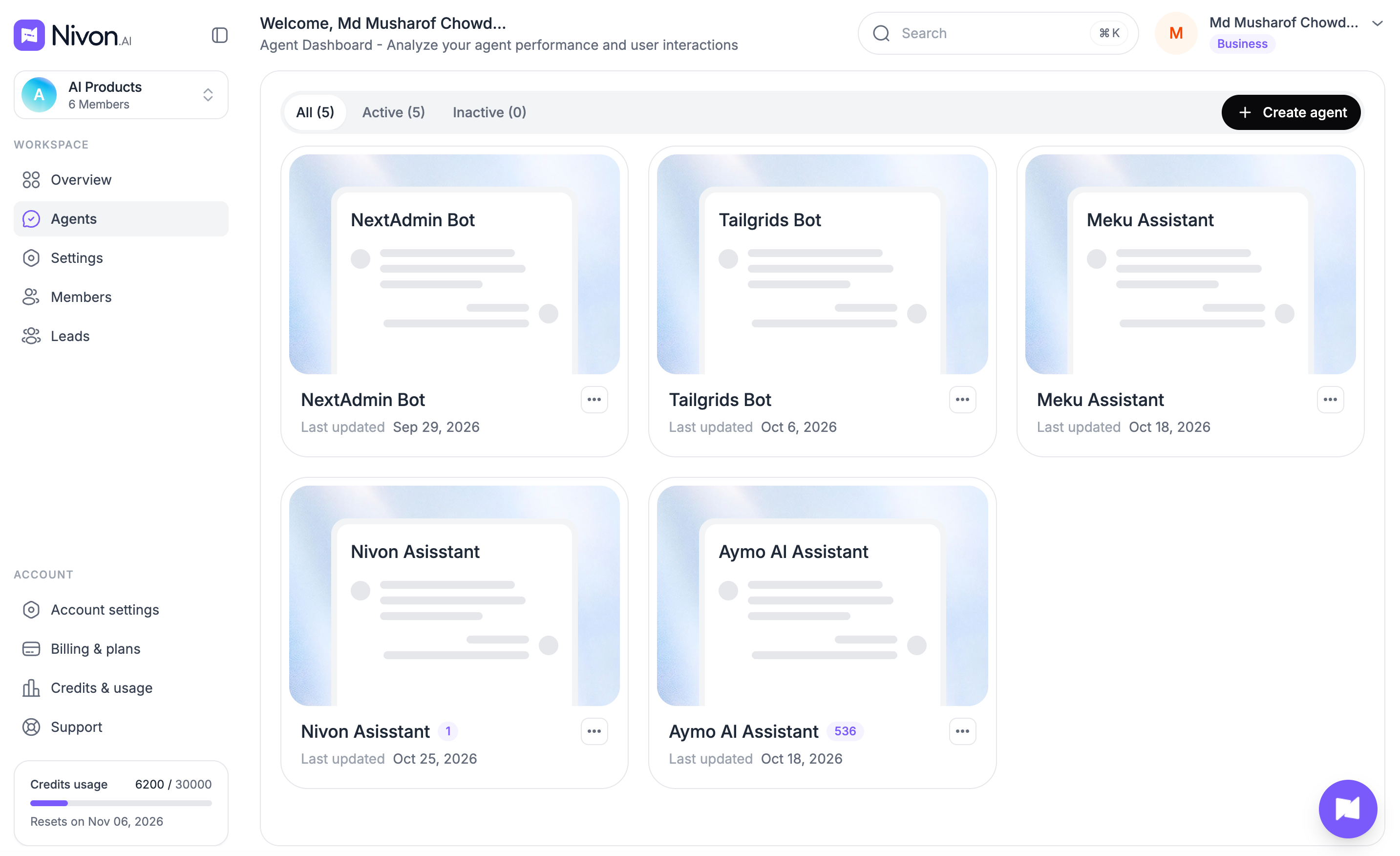
Launch an internal AI chatbot in three steps
Set it up once, and your team gets answers instead of waiting on a reply.
Connect internal sources
Add your handbook, policies and how-tos from Google Drive, Notion, Dropbox, OneDrive or file uploads.
Set internal instructions
Give the chatbot its own tone and instructions, separate from your customer chatbots.
Restrict and share
Add your intranet or internal tool domains as allowed domains, then embed the widget there for your team.
FAQs
What an internal AI chatbot does
An internal AI chatbot is trained on your company's own documentation. Instead of searching shared drives or pinging a colleague, an employee asks a question and gets an answer drawn from your handbook, policies and internal guides. Nivon lets you build it without code, on the same platform teams use for customer support, with its own knowledge base and instructions for internal use.
Internal knowledge kept separate from customer answers
Each Nivon chatbot has its own knowledge base and instructions, so your internal chatbot answers from internal documents while your customer-facing chatbots never see them. Allowed domains limit where the internal widget can load, so you can keep it on your intranet or internal tools. Data is encrypted in transit and at rest, and workspace members and roles control who on your team can access the workspace and its conversations.
Allowed domains control where the widget appears, not who is signed in, so only connect documents that everyone who can open those pages is allowed to see.
An HR chatbot and IT help desk for your team
An internal help desk is one of the most common uses. Train Nivon on IT documentation such as device setup, account access and tool guides, and on HR policies such as leave, benefits and expenses. Employees ask in plain language, in their own language across 95+ languages, and get answers right away. When a question needs a person, Nivon marks the conversation Needs human and can alert the right team in Slack, Discord or Telegram.
Sources that are easy to keep current
Nivon can import content from Google Drive, Notion, Dropbox and OneDrive, and you can add URLs, upload PDF, DOCX and CSV files, or paste text. Every source shows its status and last updated date, so you can see exactly what the chatbot knows. Website sources, such as a handbook site, can re-crawl every 7, 14 or 30 days. When HR or IT changes a document elsewhere, update the source so answers follow the new version.
Getting value in the first week
Start with the documents behind your most frequent internal questions: the employee handbook, leave and expense policies, IT setup guides, tool access instructions and onboarding checklists. Clean up anything outdated before you connect it, because the AI answers from whatever you give it. Then watch which questions escalate and fill those gaps with short, clear docs. New hires benefit most, since they can ask the basics without waiting on a colleague.
Related Nivon use cases
If your internal questions are mostly about product setup, the AI documentation assistant covers docs-site use in more depth. For distributed teams, the multilingual AI chatbot explains how one set of docs can answer in 95+ languages.
Get started
Great customer support starts with Nivon's AI chatbot
Build an AI customer support chatbot that learns your product, answers customers instantly in your team's voice, and is there for them 24/7.
Start for free- Set up in minutes
- 95+ languages supported