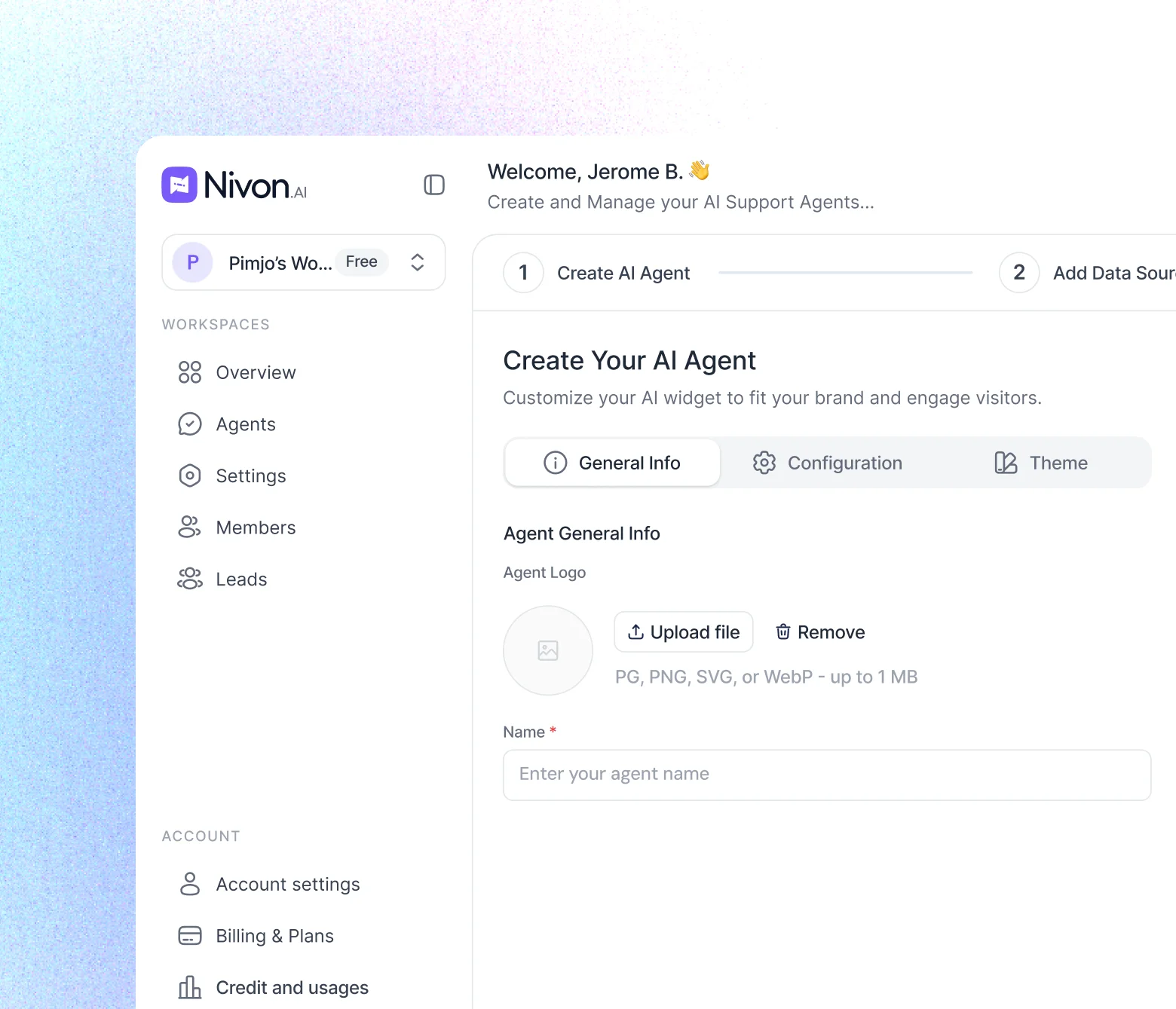
AI Documentation Assistant: Let Users Ask Your Docs Anything
Nivon crawls your documentation site and keeps it in sync on a schedule, so users get direct answers from your current docs instead of searching page after page.

Highlights
Indexes your docs site
Enter your docs URL or sitemap and Nivon crawls it. Every source shows whether it indexed and when it last updated.
Scheduled updates
Re-crawl every 7, 14 or 30 days, or on a custom schedule, so answers match the current version of your docs.
Files and workspaces too
Upload PDF, DOCX and CSV files, or import from Google Drive, Notion, Dropbox and OneDrive.
Honest about gaps
If the docs don't cover a question, Nivon hands it to your team with the user's contact details instead of guessing.
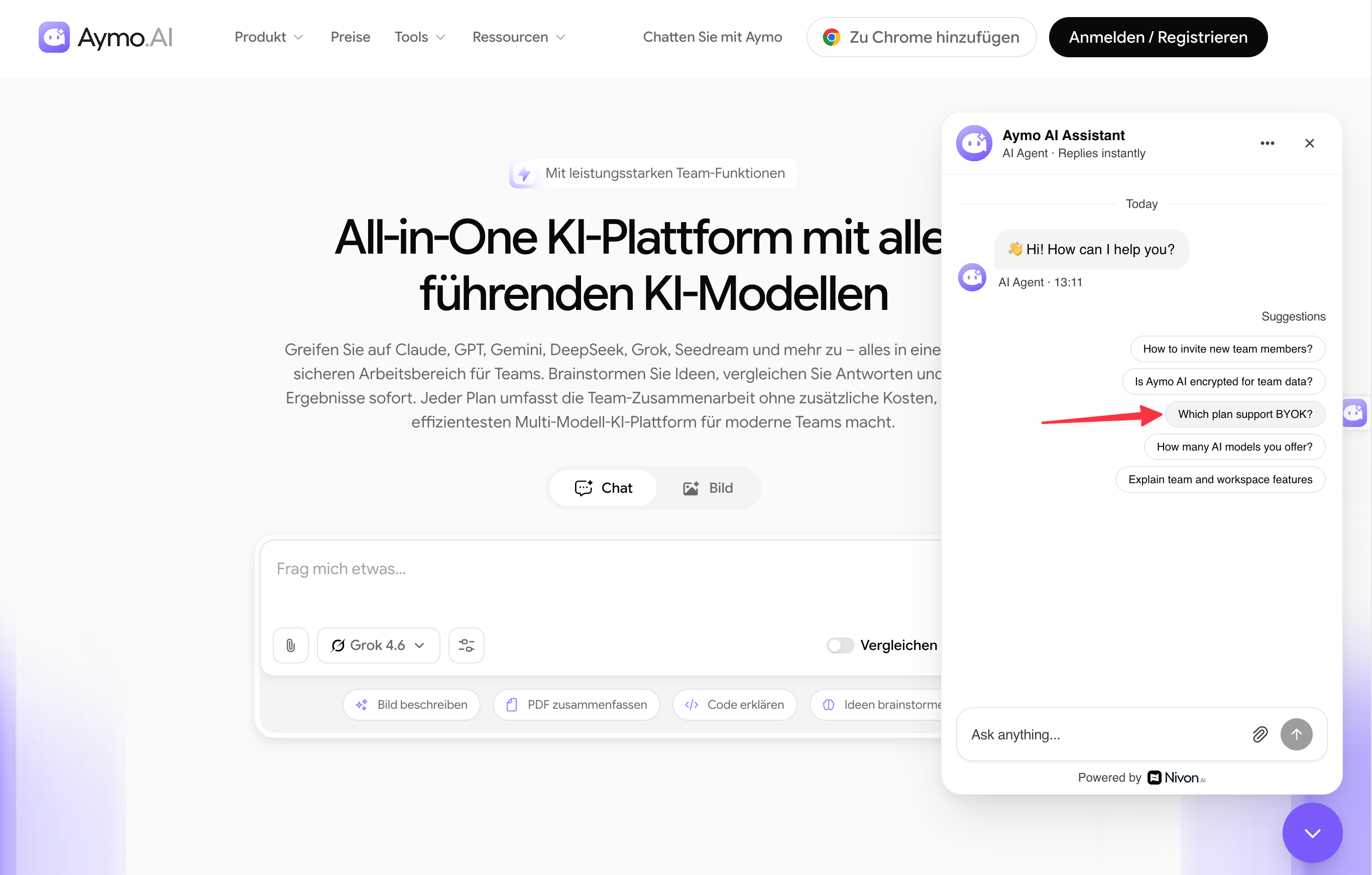
Add an AI assistant to your docs in three steps
No search index to build and no code to write. Point Nivon at the docs you already publish, check the answers, and put the assistant where users read.
Connect your documentation
Enter your docs URL or sitemap, upload files, or import from Notion and Google Drive.
Test with real questions
Ask the questions users send your support team and tune tone, length and model.
Embed on your docs site
Add the widget with install code for HTML, React, Next.js or Google Tag Manager, the WordPress plugin or the one-click Webflow integration.
FAQs
How an AI documentation assistant works
An AI documentation assistant sits on your docs site and answers user questions directly from your documentation. Instead of searching keywords and opening page after page, users ask in plain language and get a direct answer. Nivon builds the assistant from your own content, including your docs site, PDFs and files, with no code required.
Docs teams put real effort into thorough documentation, yet users still email support about things answered on page twelve. A docs chatbot closes that gap by meeting users at the moment they have a question, and because Nivon reads the whole knowledge base it can combine answers spread across several pages.
Accuracy that follows every release
Accuracy starts with fresh content. Add your docs site or sitemap and choose how often it updates: every 7, 14 or 30 days, or on a custom schedule. When you ship a change and update the docs, the assistant picks it up on the next crawl without a manual retraining step.
Every source shows its status and last updated date, so you can confirm which pages the assistant has learned, and you can test answers in the playground before anything reaches users.
Honest gaps instead of made-up answers
When Nivon can't resolve a question from your docs, it hands the conversation to your team: it asks the user for their name and email and marks the conversation Needs human. Your team can reply by email, and the question itself tells you which page to write or update next. Analytics on conversation volume, Resolved by AI and response time help docs and support teams prioritize the gaps that matter most.
Who gets the most from a docs assistant
Developer tools, SaaS products, APIs and any product with detailed setup steps benefit most. Technical users want an exact answer fast, and a docs chatbot gives it without leaving the page. Support teams see fewer 'how do I…' tickets, and product and docs teams get a running list of real user questions, one of the best inputs for deciding what to document next. Users can also ask in their own language: Nivon replies across 95+ languages from the same docs.
Related Nivon use cases
A docs assistant pairs well with an AI help desk for ticket deflection and an AI customer support chatbot on the rest of your site. For teams documenting internal processes, see the internal AI chatbot.
Get started
Great customer support starts with Nivon's AI chatbot
Build an AI customer support chatbot that learns your product, answers customers instantly in your team's voice, and is there for them 24/7.
Start for free- Set up in minutes
- 95+ languages supported