Test Agent
Test Agent shows the chat as a visitor sees it. The playground is where settings are changed. Test Agent is where the resulting experience is checked.
Use the Test Agent to review how your AI agent behaves from a visitor's perspective before deployment.
Start a test conversation
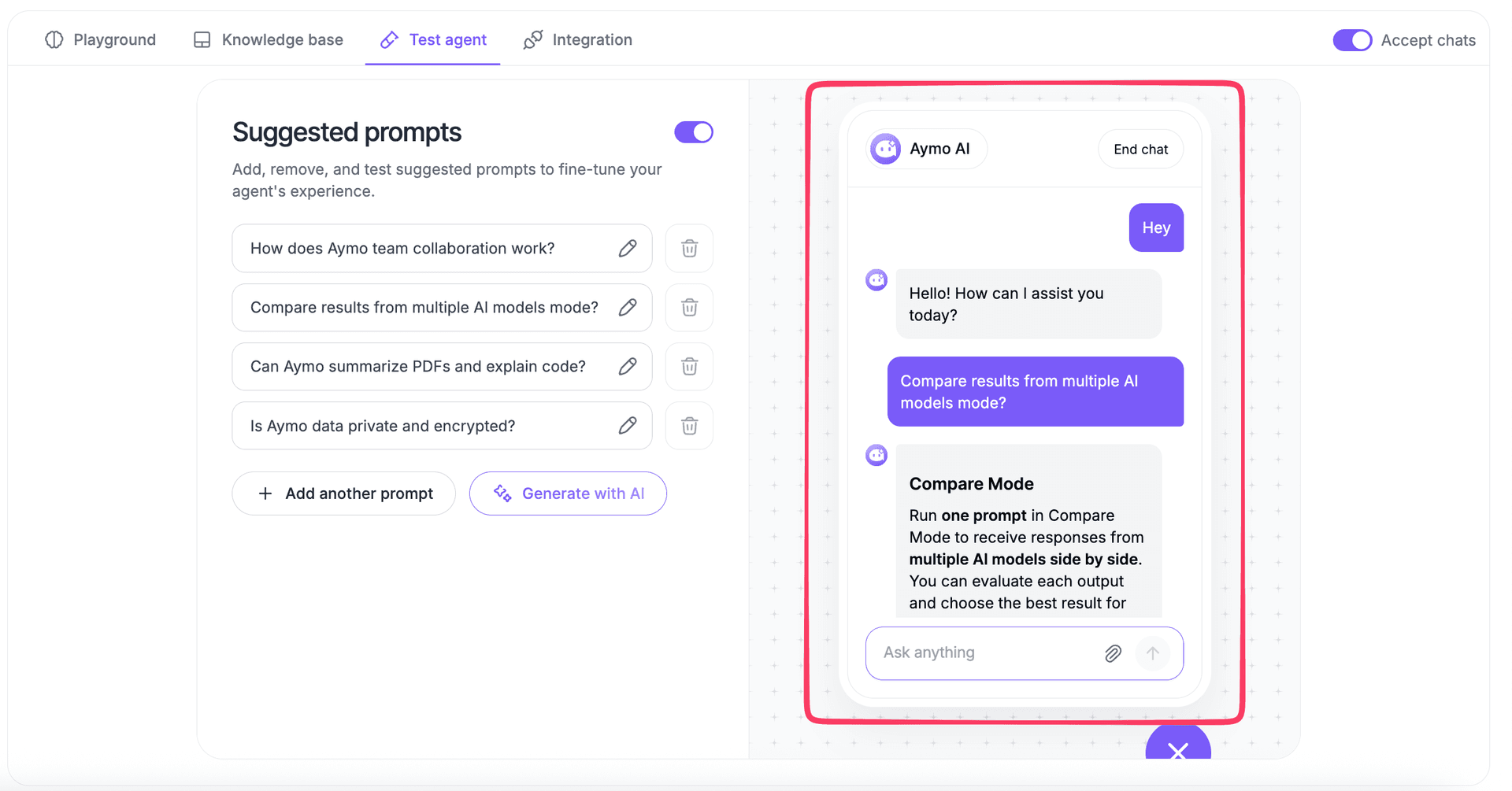
Open Test Agent and send messages as a visitor.
Test questions that reflect real customer conversations, including:
- Common support questions
- Product and pricing questions
- Follow-up questions
- Questions your agent should answer from its knowledge base
Check the chat experience
Review how the agent appears and responds during the conversation.
Check:
- Welcome message
- Agent name and icon
- Response tone
- Answer length
- Suggested prompts
- Conversation flow
Test suggested prompts
Suggested prompts appear in the chat as ready-to-use questions.
Select each prompt to confirm that:
- It starts the expected conversation
- The agent provides a relevant response
- The prompt matches the content available to the agent
Make changes and test again
When something needs improvement, update the relevant agent setting or knowledge source, then return to Test Agent and rerun the conversation.
Use Playground for the configuration and testing loop.
Use Test Agent to check the resulting visitor experience.
Last updated: August 24, 2026