Documents and Files
Multiple file formats are supported, from PDFs and Word files to CSV and JSON. File size and volume limits depend on the plan.
Upload supported files to add their content to your Nivon knowledge base.
Supported formats
Nivon supports these file formats:
- DOCX
- TXT
- MD
- CSV
- JSON
- HTML
Add a file
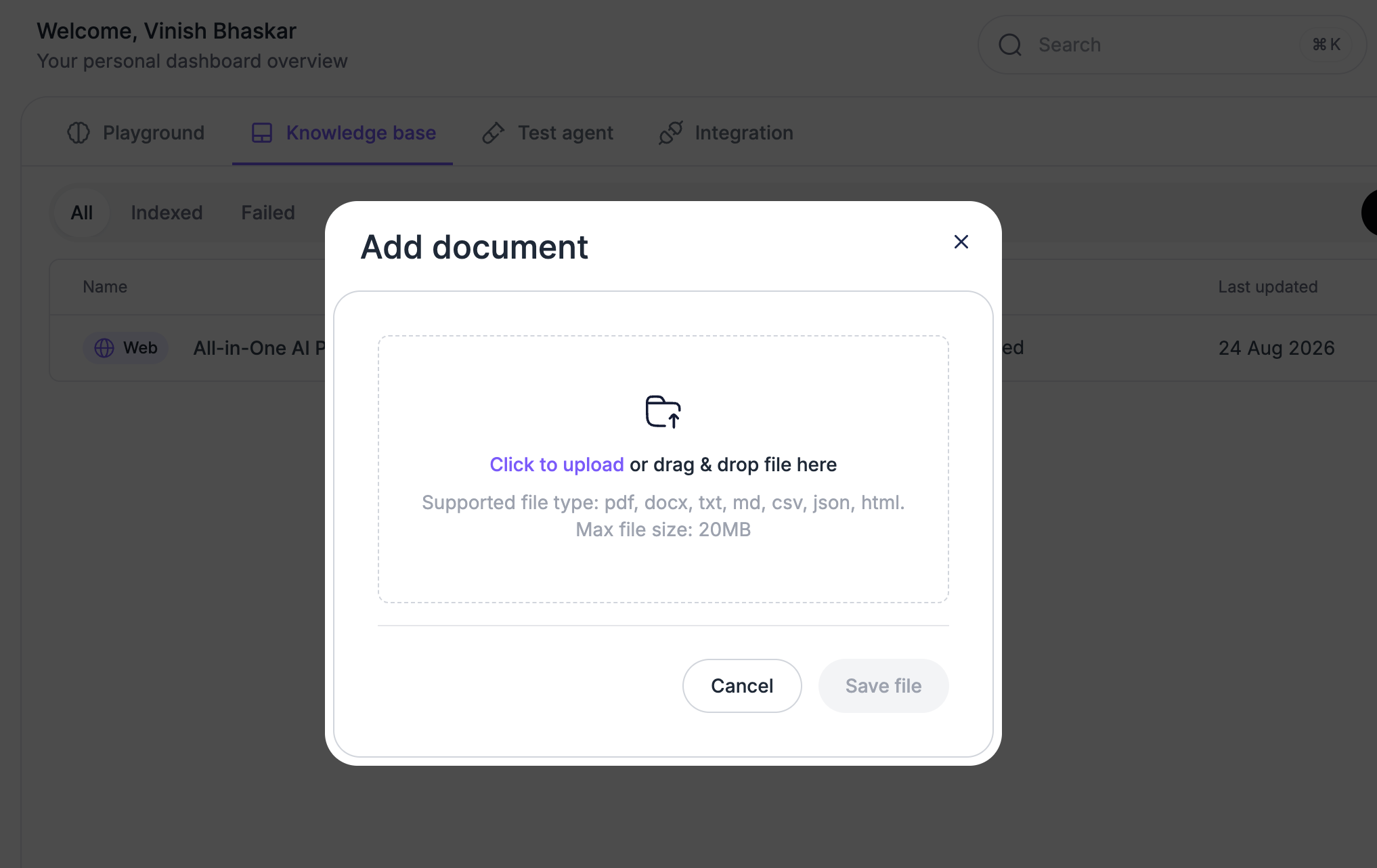
- Open the Knowledge Base.
- Select Add new source.
- Choose Document.
- Upload your file.
- Wait for the file to finish indexing.
Once indexed, the file can be used by the AI agent when answering customer questions.
File limits
File limits depend on your Nivon plan. Current plan limits include:
- Maximum file size
- Files per message
- Files per month
- Files per organization
- Training content size
Check the Nivon pricing page for the limits available on each plan.
Last updated: August 19, 2026