Build Your Knowledge Base
Nivon uses your business content to answer customer questions. Add your websites, documents, FAQs, text, and support tickets to give your AI agent the information it needs.
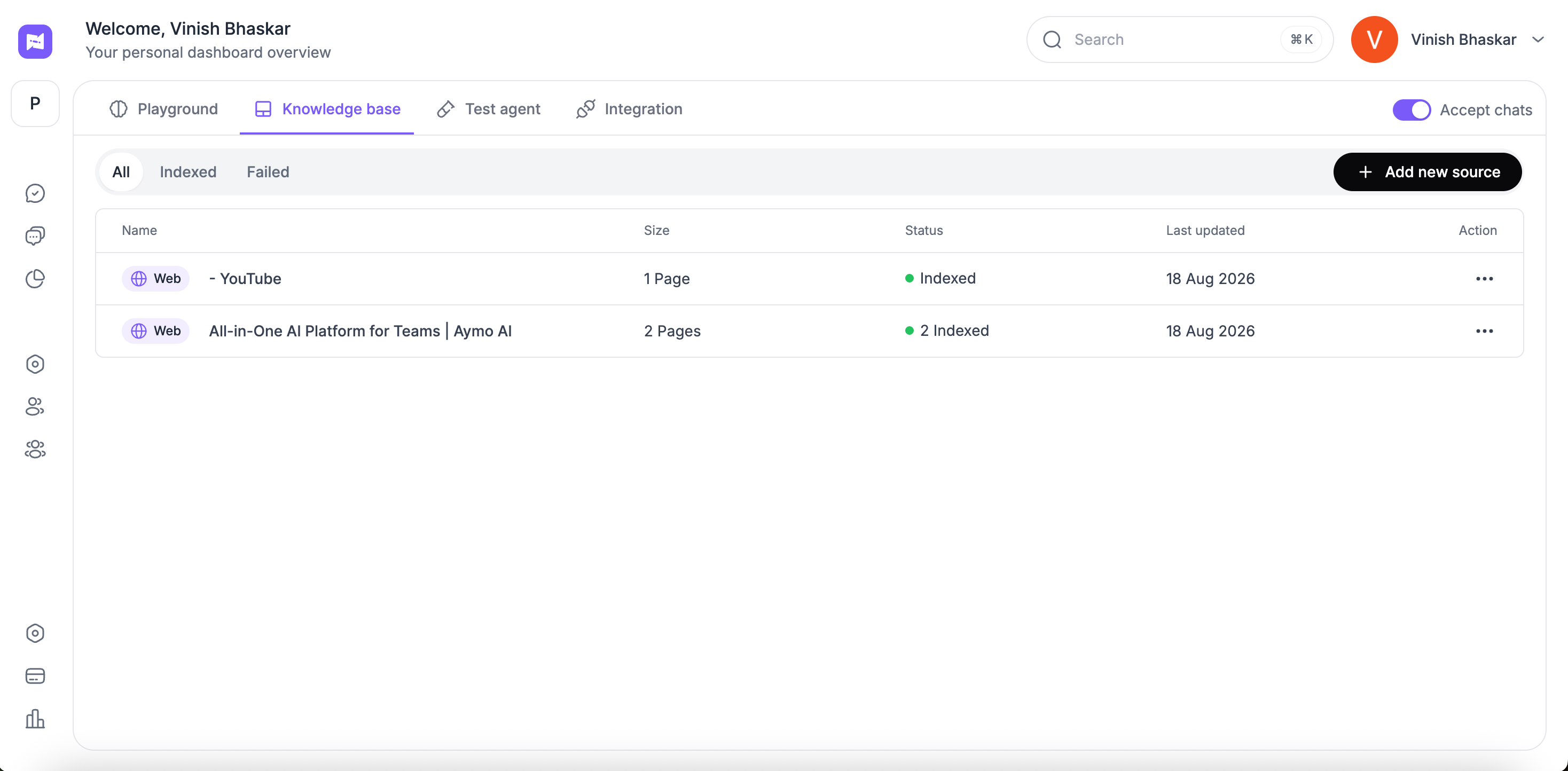
Add your content
Nivon supports multiple source types:
- Websites and URLs: Crawl a website, add a sitemap, or add a single link.
- Documents and Files: Upload supported documents and files.
- FAQs and Text Content: Add structured answers or custom text directly.
- Support Tickets: Add past support conversations to help the agent learn from existing answers.
Manage your sources
The Knowledge Base shows the status of each source, including whether it is indexed or failed.
You can review when a source was last updated and manage existing sources from the Knowledge Base.
Keep your knowledge up to date
Website sources can use automatic updates to keep indexed content current.
You can also update or remove sources when your content changes.
Use Sync and Manage Sources to maintain your knowledge base and keep the agent's information up to date.
Last updated: August 19, 2026