Multilingual Agent
Multilingual support comes from the selected AI model, not from a language setting. Custom Instructions define which languages the agent handles and how it responds.
Nivon can handle multilingual customer conversations through the AI model selected for your agent. Use Custom Instructions to define how the agent should respond when customers use different languages.
How multilingual conversations work
When a customer sends a message, the selected AI model processes the message in its original language and generates a response based on the agent's knowledge and instructions.
This allows the same agent to support customers using different languages within the same conversation experience.
Set language rules
Language behavior is defined entirely through Custom Instructions. Each rule below is a separate instruction.
Define language behavior
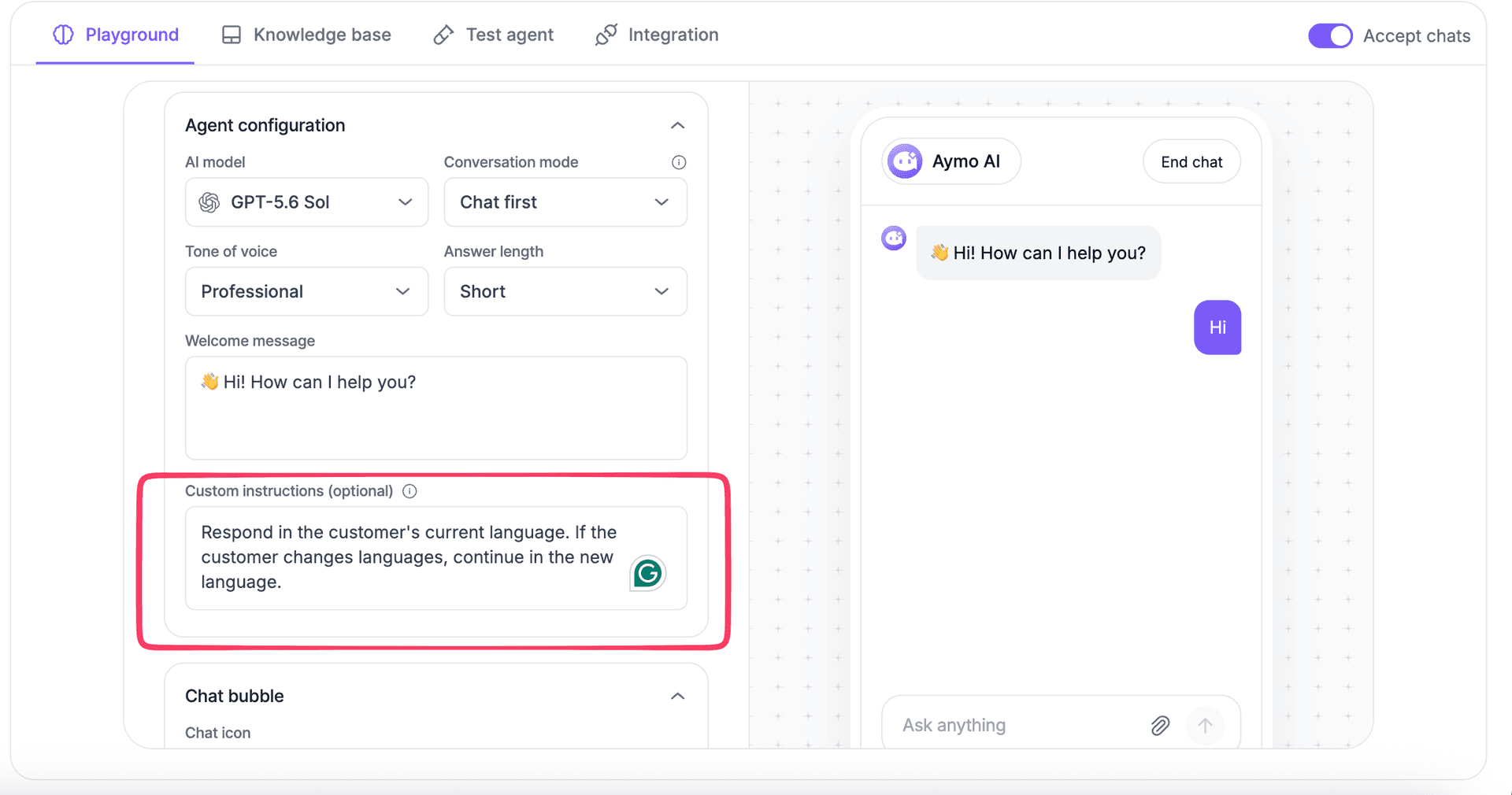
Use Custom Instructions to tell the agent how to handle languages.
For example: Respond in the same language as the customer.
For specific languages:
Support customers in English, Hindi, and Spanish.Respond in the customer’s language.
To handle language changes:
Respond in the customer's current language. If the customer changes languages, continue in the new language.
Control translation behavior
Use Custom Instructions when you need a specific translation rule.
For example:
Respond in the customer's language. Do not translate unless the customer asks for a translation.
Or:
Respond in English even when the customer writes in another language.
Multilingual knowledge
The selected model processes questions in different languages and uses the agent's knowledge base to generate responses.
Make sure the knowledge base contains the information needed to answer customer questions.
Keep important content such as pricing, policies, product details, and support instructions accurate and up to date.
Test multilingual responses
Test multilingual behavior in the Playground before deployment.
- Ask the same question in different languages.
- Check that the agent responds in the expected language.
- Switch languages during the same conversation.
- Test questions that require information from the knowledge base.
- Update Custom Instructions when the behavior needs to change.
Use Test Agent to verify the final customer-facing experience.
Last updated: August 24, 2026