9 Best DocsBot Alternatives in 2026
The best DocsBot alternatives in 2026 compared on AI credits, model multipliers, source page limits, and what happens when your chatbot runs out.
Team Nivon.AI
Sep 16, 2026
DocsBot builds AI chatbots trained on documentation. Every answer cites the source page it came from, which is why technical writers and developer teams pick it. It supports remote MCP connections, connects to Slack, Messenger, WhatsApp, Telegram, and Zapier, and handles documentation sets up to 100,000 source pages.
DocsBot runs two meters at once. AI credits cover usage. Source pages cover indexing, with each page containing about 5,000 characters of cleaned text. Team seats are a third limit. That gives you three separate ways to hit a ceiling.
The meter that decides most bills is the model multiplier. A standard message starts at 1 credit on a 1x model. Frontier models cost 8x and 24x. So the Standard plan's 15,000 credits buy 15,000 replies on a cheap model or about 625 on an expensive one. DocsBot publishes these multipliers openly, which most competitors do not.
If you are looking for a DocsBot alternative, this page compares nine of them on pricing, what each one meters, and what happens when the meter hits zero.
Quick picks
- Lowest cost per message: Nivon, at about $0.004 with no model multiplier.
- Best free plan: Nivon. 150 messages a month, no card, and the agent does not expire.
- Cheapest entry price: Nivon at $12, against DocsBot's $49.
- Best for developer documentation: Kapa.ai, though it publishes no pricing.
- Largest file format support: CustomGPT.ai, with over 1,400 formats.
- Best for helpdesk ticket deflection: eesel AI at $0.40 per ticket.
Why teams look for alternatives to DocsBot
DocsBot does several things better than most AI chatbot platforms. It publishes its model multipliers rather than hiding them. Add-on credits cost about the same per unit as plan credits, so running over carries no penalty. Every model is available on every plan, so the limit is your burn rate, not your tier. And connecting your own OpenAI key drops every model to 1x, which is the single largest cost lever in this category. No other tool here offers that.
Here is what prompts teams to look for an alternative to DocsBot.
Model multiplier
DocsBot credits start at 1x for a standard message. Frontier models run at 8x and 24x.
On a 1x model, DocsBot is one of the cheapest options here, at just under a cent per reply. On a 24x model, it is one of the most expensive.
Three meters can run out independently
AI credits, source pages, and team seats are counted separately. You can have credits left and still be unable to index another document, or index freely and run out of replies.
Advanced document parsing adds a fourth draw, costing 2 AI credits per page. DocsBot also notes that Chinese, Japanese, and Korean content consumes the source page allowance faster.
Stops and shows an error at the limit
When credits run out, the bot stops responding and displays an error message to visitors. There is an auto-add setting that automatically buys more credits, and turning it on is the only way to avoid the stop.
Free plan bots expire after 30 days
The free tier gives 100 AI credits, 1 bot, 50 source pages, and 1 seat. The bot is deleted after 30 days. It works for evaluation, not for running a small site.
Entry plan limit
Personal costs $49 a month for a single bot and a single team user. Running separate chatbots for product docs and internal help means moving to Standard at $149.
Large jump between tiers
Personal is $49, Standard is $149, and Business is $499. A team that outgrows 5,000 credits triples its bill to reach the next plan, though buying add-on credits at $49 per 5,000 is often cheaper than upgrading.
How to compare these tools
Ask every AI chatbot platform the same questions.
- Does the AI model you choose change the cost per reply, and by how much?
- How many separate meters are there: credits, pages, seats, documents?
- What happens when the meter hits zero? Does the chatbot stop, or does it bill overage?
- Do add-on credits cost more or less than the credits in your plan?
- Can you connect your own API key to avoid model multipliers?
- Does every answer cite its source?
- Does the free plan expire, or does it delete your bot?
DocsBot alternatives compared
| Tool | Billable unit | Entry price (monthly) | Cost per unit | Model multiplier | At the limit | Free plan |
|---|---|---|---|---|---|---|
| Nivon | One credit per message | $12 | About $0.004 | No | Plan limit, no meter | Yes, 150 credits, never expires |
| Chatling | AI credit | $25 | $0.0133 | Yes, 0.5x to 25x | Buy add-on credits | Yes, 200 credits |
| SiteSpeakAI | Message credit | From $29 | About $0.029 | Gated by tier | Buy add-on credits | Yes, 30 credits |
| Chatbase | Message credit | $40 | $0.030 | Not published | Auto-recharge at $0.04 | Yes, 50 credits, deleted after 14 days idle |
| SiteGPT | Message, split by model | $59 | $0.0148 | Yes, about 10x | Buy 5,000-message packs | No, 7-day free trial |
| CustomGPT.ai | Query credit | $99 | About $0.099 | No, but web search costs extra | Stops responding | No, 7-day free trial |
| Wonderchat | One AI reply | $124 billed yearly | $0.0248 | No | Chatbot stops responding | Yes, 20 credits |
| Kapa.ai | Answer, quote only | Not published | Not published | Not published | Not published | No |
| eesel AI | Ticket or chat session | No base fee | $0.40 | No | Spend cap you set | $50 free usage |
| DocsBot | AI credit | $49 | $0.0098 at 1x | Yes, 1x to 24x | Bot stops, shows error | Yes, 100 credits, bot expires in 30 days |
The 9 best DocsBot alternatives
Nivon AI
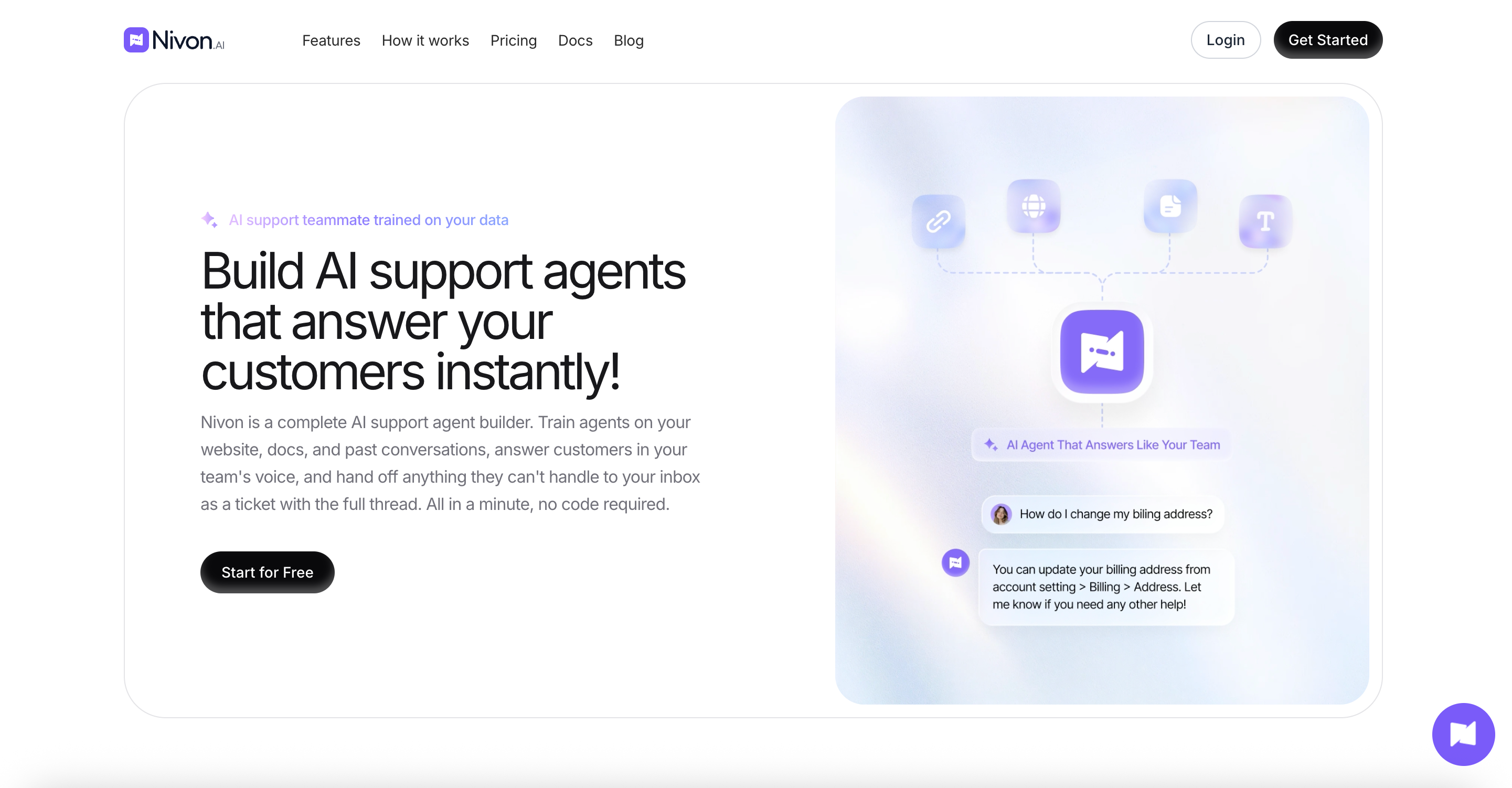
Nivon AI is a no-code AI support agent builder trained on your website, documents, FAQs, and past support tickets. It answers from that knowledge base and hands the conversation to your team when it cannot. One credit equals one message on any AI model, so switching to a stronger model does not reduce your allowance. Nivon AI, built by Pimjo, ran it on its own products for 45 days before release.
Key features:
- Trains on website crawls, sitemaps, documents, Google Drive, OneDrive, FAQs, pasted text, and past support tickets
- 20+ AI models across OpenAI, Anthropic, Google, and xAI, switchable per agent
- Guardrails defining what the agent handles, refuses, never shares, and escalates
- Human handoff carrying the full conversation thread
- Separate workspaces with admin and member roles
- Replies in 95+ languages, with analytics on volume, resolution rate, and response time
Pros:
- One credit per message on any model, so no multiplier to calculate
- About $0.004 per message, a quarter of DocsBot's 1x rate and a fraction of its 24x rate
- $12 entry price against DocsBot's $49
- The free plan gives 150 messages with no card, and the agent does not expire
- A business plan allows unlimited agents, whereas DocsBot gives 10 bots at $499
Cons:
- Indexing limits are measured in training pages rather than DocsBot's source pages, and the ceiling is lower at 5,000
- No MCP support, which DocsBot offers
- Cannot connect to your own API key
- SOC 2 Type II is in progress, not complete
Pricing: Free at $0 with 150 credits a month and 1 team member. Starter is $12 a month, or $9 on annual billing, with 3,000 credits and 3 members. Growth is $39 a month, or $29 annually, with 12,000 credits and 5 members. Business is $79 a month, or $59 annually, with 30,000 credits and 15 members.
Best for: Teams that want one predictable rate per reply. If your documentation runs into tens of thousands of pages, DocsBot indexes far more than Nivon does.
Chatling
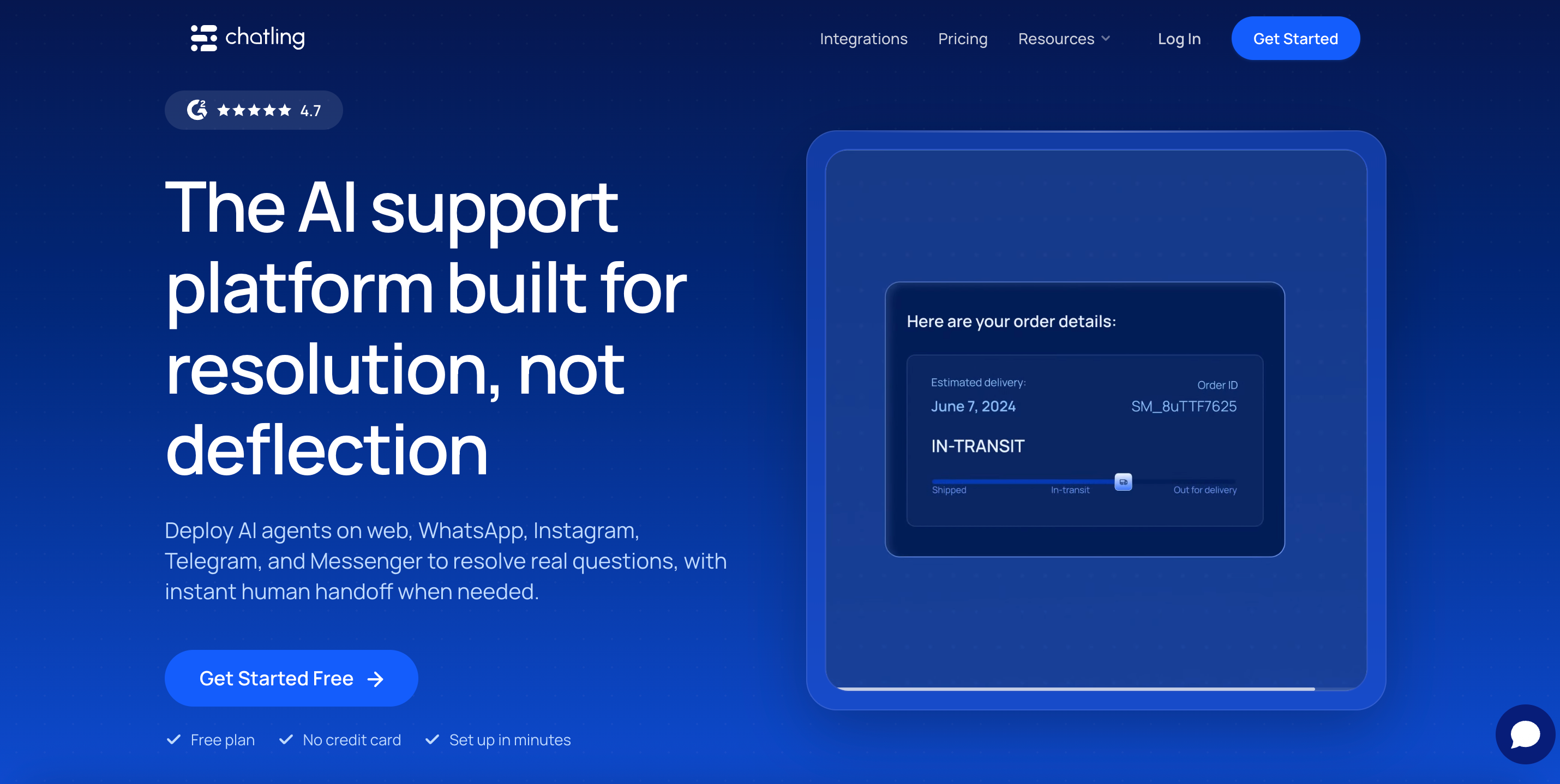
Chatling is a no-code chatbot builder with a visual workflow builder. You drag blocks to design conversation paths, or let the AI answer from your knowledge base. It supports 29 AI models and publishes the cost of credit for each. Chats are unlimited on every plan, and only AI replies draw credits.
Key features:
- Visual drag-and-drop workflow builder
- 29 AI models across OpenAI, Anthropic, Google, Mistral, xAI, and DeepSeek
- Live chat with human handoff and an AI summary for the agent picking up
- 30 million knowledge base characters on Growth, 100 million on Scale
- WhatsApp, Instagram, Messenger, and Telegram on paid plans
- AI actions that complete tasks during a conversation
Pros:
- Publishes the credit cost of all 29 models, as DocsBot does
- Add-on credits cost $10 per 1,000, which is less than the plan rate
- Free plan gives 200 credits plus unlimited non-AI chats, with no expiry
- Entry price is half of DocsBot's
Cons:
- Credits scale by model, from 0.5 per reply up to 25 on Claude Opus 5
- Several parallel meters: AI credits, email credits, voice minutes, and resync credits
- Cannot connect your own API key to avoid multipliers
- No source citations on answers
Pricing: Free at $0 with 200 AI credits. Starter is $25 a month, or $21 annually at $250 a year, with 1,750 credits. Growth is $75 a month, or $63 annually at $750, with 6,000 credits. Scale is $295 per month, or $ 2,950 annually, with 35,000 credits.
Best for: Teams that want scripted conversation paths alongside documentation answers, and a large knowledge base for little money.
SiteSpeakAI
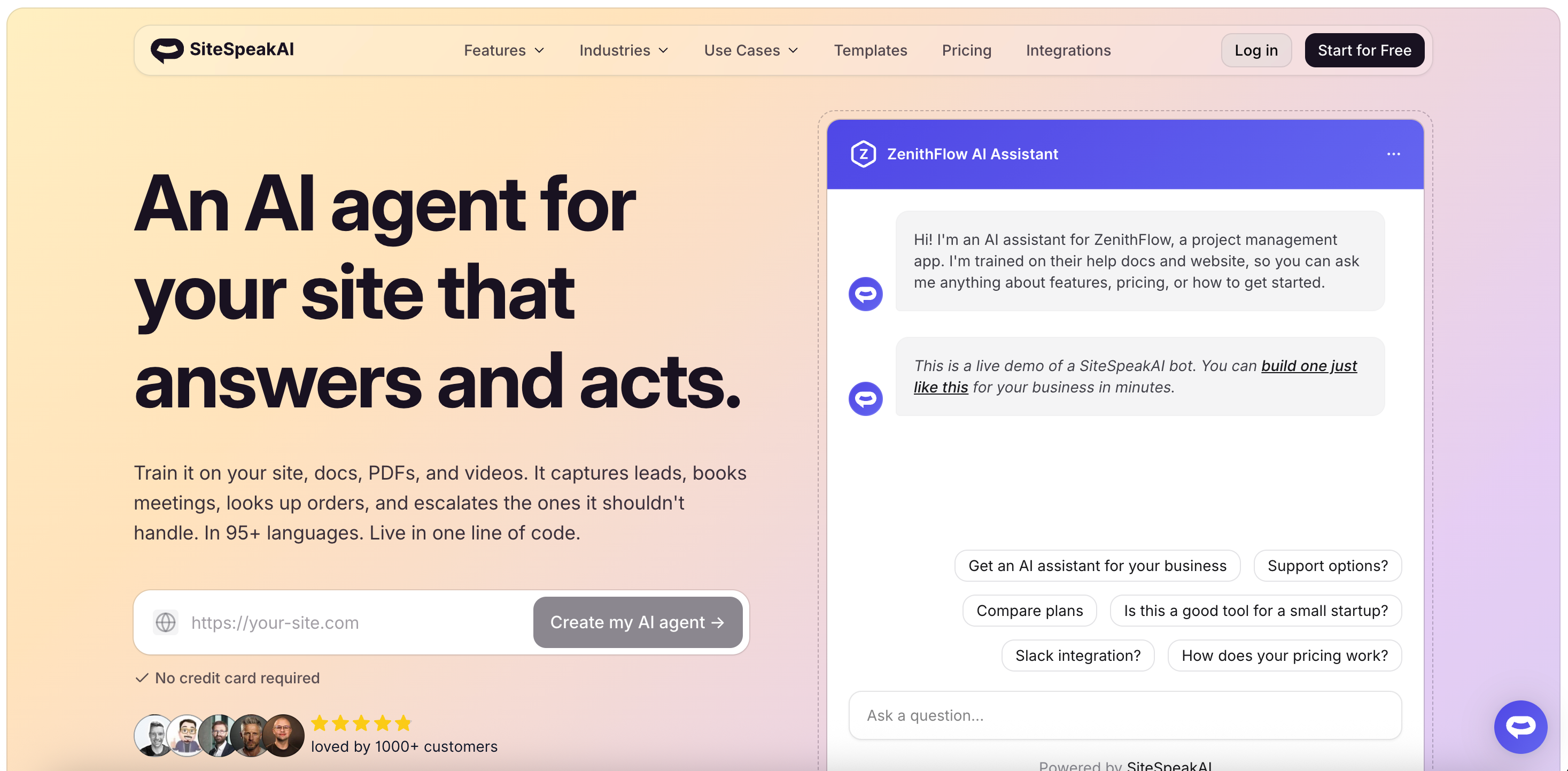
SiteSpeakAI trains an AI agent on your website content and pairs it with a chat inbox. It includes conversation history, an AI search bar, and page-context awareness in the free plan. It supports models from OpenAI, Anthropic, Google, and xAI, and allows your own API keys on the Pro plan.
Key features:
- Live chat widget, chat inbox, and conversation history from the free plan
- Bring your own keys on the Pro plan
- API and MCP Server access on Pro
- WhatsApp, Google Chat, and HubSpot integrations on Pro
- Prompt Guard on every tier, PII redaction on Business
- Agency plans with white-label dashboards
Pros:
- The chat inbox is included rather than sold separately
- Bring your own keys moves model cost off the plan meter, as DocsBot allows
- Branding removal is included in the Starter plan
- The free plan does not expire
Cons:
- Escalating to Human Support requires the Pro plan
- Extra message credits cost $25 per 1,000, far above DocsBot's $9.80 equivalent
- The free tier gives 30 credits against DocsBot's 100
- Training sources are capped by tier, and the ceilings are lower than DocsBot's page limits
Pricing: Free at $0 with 30 message credits, 1 AI agent, and 10 training sources. Paid plans start at about $29 a month with 1,000 credits. Pro adds 3,000 credits, 5 agents, all models with your own keys, and API access. Growth and Business add 10,000 and 20,000 credits. Annual billing saves up to 17%.
Best for: Teams that want documentation answers plus an inbox for agents to work in.
Chatbase
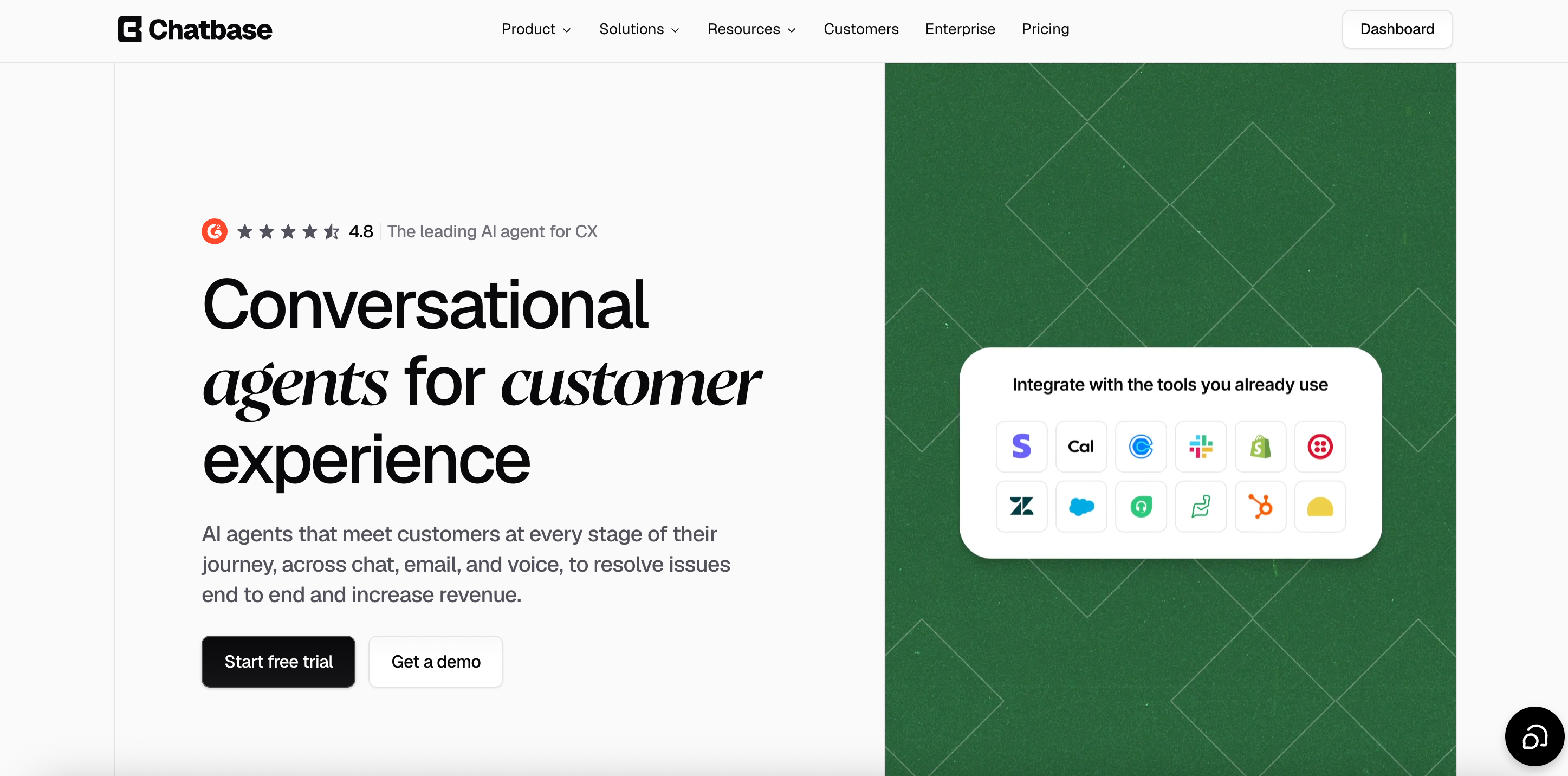
Chatbase is an AI chatbot platform trained on your documents, links, and text. Its integration list is the widest in this category. Voice, telephony, and outbound campaigns are available from the Standard plan, which no other tool here offers.
Key features:
- AI models from OpenAI, Anthropic, Google, DeepSeek, Meta, Mistral, MoonshotAI, and Z.ai
- AI Actions that perform tasks during a conversation
- Voice, telephony, and outbound campaigns from Standard
- Integrations with Stripe, Zendesk, Salesforce, Intercom, HubSpot, Freshdesk, Gorgias, and Shopify
- Tickets as a training source on the Pro plan
Pros:
- Voice and telephony are built in, which DocsBot does not offer
- Auto-recharge credits do not expire, unlike plan credits
- Free plan available for testing
- The widest AI model roster here
Cons:
- Does not publish how many credits each model consumes, where DocsBot does
- Auto-recharge credits cost $40 per 1,000, about a third more than the plan rate
- Branding removal costs $99 a month
- Free plan agents are deleted after 14 days of inactivity
- No source citations by default
Pricing: Free at $0 with 50 message credits and 1 member. Hobby is $40 a month with 700 credits and 2 members. The standard is $150 with 4,000 credits and 3 members. The pro is $500 with 15,000 credits and 5 members. Enterprise is custom. Yearly billing takes 20% off.
Best for: Teams that need chat, voice, and phone on one platform alongside documentation answers.
SiteGPT
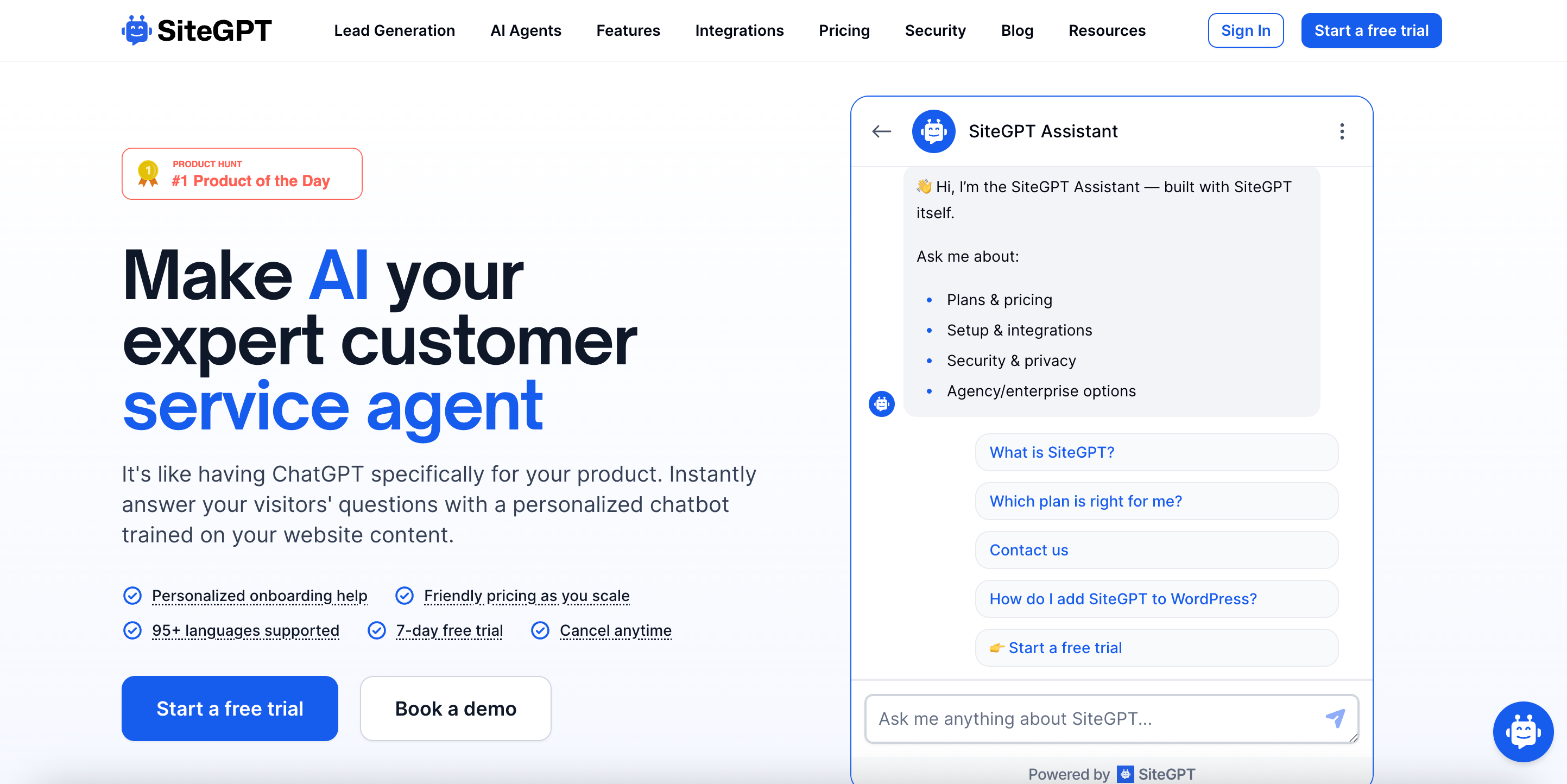
SiteGPT trains a chatbot on your website by crawling your pages. It pulls training sources from websites, sitemaps, files, YouTube, GitHub, Notion, Google Drive, and Dropbox. Like DocsBot, its message allowance depends on the model, and it publishes both numbers.
Key features:
- Twelve training source types, including GitHub and YouTube
- Lead capture is built into the chat flow
- Slack, Zapier, Webflow, Shopify, and WordPress integrations on Growth and above
- Zendesk AI Agent on the Scale plan
- API access from Growth
- Human handoff to a live agent
Pros:
- Publishes its model split openly, as DocsBot does
- Extra message packs cost about $0.0118 each, less than the plan rate
- Pulls from GitHub, which suits technical documentation
- Annual billing saves up to 40%
Cons:
- The pricing page loads with the yearly toggle on, so $39 is annual and $59 is monthly
- The model split moves the allowance tenfold
- The Starter plan has no integrations and no API access
- No free plan, only a 7-day free trial
Pricing: Starter is $59 a month, or $39 annually, with up to 4,000 messages, 1 chatbot, and 1,000 pages. Growth is $129 per month or $79 per year, with 10,000 messages and 2 chatbots. Scale is $429 per month or $259 per year, with 40,000 messages and 3 chatbots. Extra packs cost $59 per 5,000 messages.
Best for: Teams whose documentation lives across GitHub, Notion, and Drive rather than in one docs site.
CustomGPT.ai
CustomGPT.ai grounds answers in your own documents and attaches source citations. It supports over 1,400 file formats, more than any other tool here, and connects to SharePoint, Google Drive, Zendesk, HubSpot, and Salesforce. Its unit is a query, and the rate is flat with no model multipliers.
Key features:
- Support for over 1,400 document formats
- 60 million words of storage on Standard, 300 million on Premium
- SharePoint connector with auto-sync on Premium
- RAG API access on every tier
- 10 AI agents on the entry plan
- SOC 2 Type II, GDPR, and HIPAA compliance
Pros:
- No model multipliers, so the rate stays near $0.10 per query
- 10 agents on the entry plan, against DocsBot's single bot on Personal
- Compliance coverage is complete rather than in progress
- Queries the pool at the account level, so all bots share one allowance
Cons:
- $99 for 1,000 queries is the highest entry rate per unit here
- Web search costs extra credits: three additional on Standard, two per search on Premium
- Stops responding at the query limit, with no published overage rate
- The 7-day trial requires a credit card
Pricing: Standard is $99 a month, or $89 annually, with 1,000 queries, 10 agents, 5,000 documents per agent, and 3 seats. Premium is $499 a month, or $449 annually, with 5,000 queries, 25 agents, and 5 seats. Enterprise is custom, and CustomGPT.ai has cited a typical range of $2,000 to $6,000 a month.
Best for: Teams with unusual file formats or governance requirements, where the knowledge base is harder than the query volume.
Wonderchat
Wonderchat is a no-code AI chatbot builder that trains on your website, documents, PDFs, video, and audio files, or a Zendesk help center. Answers cite their source. It also offers a voice agent, WhatsApp, and SMS channels, and replies in over 40 languages.
Key features:
- Trains on video and audio files, as well as text
- Syncs past Zendesk and Freshdesk tickets on the Scale plan
- Voice agent, WhatsApp, and SMS channels
- Source citations on answers
- SOC 2 Type II, EU hosting in Frankfurt, and a HIPAA BAA on request
- Human handover on the free plan
Pros:
- Trains on video and audio, which no other tool here does
- SOC 2 Type II certified, with EU hosting and a HIPAA BAA available
- One credit is one reply with no model multiplier
- Human handover is included even on the free plan
Cons:
- One credit per AI reply means a six-turn chat costs six credits
- Top-up credits cost $29.99 per 1,000, about 21% more than plan credits
- The chatbot stops responding at zero, and credits do not roll over
- Its pricing page lists 25,000 credits on the $417 plan card and 15,000 in the comparison table
- Helpdesk ticket sync requires the $417 plan
Pricing: Free at $0 with 20 message credits. Basic is $124 per month, billed annually, with 5,000 credits, 2 agents, and 3 seats. Scale is $417 billed yearly. Enterprise starts at $1,499. Extra credits cost $29.99 per 1,000. Yearly billing saves 17%.
Best for: Teams that need SOC 2, EU data hosting, or a HIPAA BAA today, and teams whose source material includes video or audio.
Kapa.ai
Kapa.ai answers technical questions from developer documentation. It indexes docs, GitHub issues, forum threads, and Slack history, then answers inside your docs site, your app, Slack, Discord, and a pre-ticket form. It is built for one job rather than adapted to it, and it is the closest competitor to DocsBot on answer quality for developer content.
Key features:
- Indexes documentation, GitHub issues, forums, and Slack conversations
- Answers inside docs sites, apps, Slack, Discord, and a pre-ticket form
- Source citations on answers
- Analytics showing which questions your documentation fails to answer
- Over 30 data sources
- SOC 2 Type II and GDPR compliance
Pros:
- Built specifically for developers and API documentation
- Surfaces documentation gaps from real questions
- Handles code, API references, and technical terminology well
- Customer success and forward-deployed engineering are included across plans
Cons:
- Publishes no rate card. Pricing is a platform fee plus a per-answer meter, quoted on a call
- No free plan and no self-serve signup
- Independent contract data puts the median deal near $25,200 a year, with a range from about $12,000 to $83,334
- Buyers report that forecasting question volume is difficult, which makes the overage rate the number to negotiate
Pricing: Not published. Kapa.ai's pricing page describes a platform fee based on your needs, scalable pricing based on the number of answers per month, and a contact form. The figures above come from third-party contract data rather than Kapa.ai, so treat them as estimates and request a quote.
Best for: Developer tools companies with high documentation traffic and a budget for an annual contract. For a small docs site, DocsBot and the cheaper tools here cost a fraction of this.
eesel AI
eesel AI plugs into the helpdesk you already run and resolves tickets inside it. It trains on past tickets, help center articles, and documents in Confluence, Notion, and Google Drive. Its unit is the conversation rather than the reply, and it also ships a chat widget for documentation and marketing sites.
Key features:
- Runs inside Zendesk, Freshdesk, Intercom, Slack, and Shopify
- Trains on past tickets on any plan
- Simulation mode that replays historical tickets before you go live
- Spending cap with alerts at 50%, 75%, and 100%
- Gradual rollout, routing only part of your queue to the AI
- Separate helpdesk, blog writer, and e-commerce agents under one account
Pros:
- One ticket or chat session is one task at $0.40; however, it takes many replies
- No platform fee, no per-seat charge, and no monthly minimum
- The spend cap warns you rather than letting the chatbot go quiet
- $50 in free usage with no credit card
- SOC 2 Type II, GDPR, and CCPA
Cons:
- $0.40 per conversation is expensive for short documentation lookups
- Tasks are billed regardless of outcome
- Blog post drafts cost $4.00 each
- Enterprise adds a $1,000 a month platform fee on top of usage
Pricing: $0.40 per support ticket or chat session. Light tasks, such as dashboard lookups, are free. Heavy tasks such as blog drafts cost $4.00. There is no platform fee, per-seat fee, or monthly minimum. Enterprise costs $1,000 a month plus usage. Annual commitment saves up to 25%.
Best for: Teams whose documentation questions arrive as support tickets rather than as visits to a docs site.
How to choose
If the model multiplier is the problem, choose Nivon. One credit equals one message on any of its 20+ AI models, so a stronger model does not cut your allowance by 24 times.
If you want to keep DocsBot but cut the cost, connect your own OpenAI key. Every model then runs at 1x, which is the largest savings available anywhere on this page. No alternative here matches it.
If your documentation is very large, stay on DocsBot. 100,000 source pages on the Business plan is more than any other tool here will index, and Nivon caps at 5,000 training pages.
If you need answers inside Slack and Discord for developers, choose Kapa.ai, provided you can budget for an annual contract and a sales process.
If your file formats are unusual, choose CustomGPT.ai. Over 1,400 supported formats provide the widest coverage here.
If you need SOC 2, EU hosting, or a HIPAA BAA today, choose Wonderchat or CustomGPT.ai. Both have complete certifications, where Nivon's SOC 2 Type II is still in progress.
If your questions arrive as support tickets, choose eesel AI, which works inside your existing helpdesk.
Frequently asked questions
What is the best DocsBot alternative?
It depends on what is not working. For a flat rate with no model multiplier, Nivon charges about $0.004 per message, starting at $12 a month. For unusual file formats, CustomGPT.ai supports over 1,400 file types. For developer documentation answered on Slack and Discord, Kapa.ai is purpose-built, though it publishes no pricing information.
What is the cheapest DocsBot alternative?
Nivon has the lowest entry price at $12 a month and the lowest cost per message at about $0.004. Chatling is $25, and SiteSpeakAI is about $29. eesel AI has no base fee and charges $0.40 per conversation.
How much does DocsBot cost?
DocsBot is free at $0 with 100 AI credits, 1 bot, and 50 source pages. Personal plan: $49/month with 5,000 credits and 5,000 source pages. Standard costs $149 with 15,000 credits, 3 bots, and 5 seats. Business costs $499 with 60,000 credits, 10 bots, and 10 seats. Extra credits cost $49 per 5,000, and extra pages cost $29 per 10,000.
Does DocsBot have a free plan?
Yes, with 100 AI credits, 1 bot, 50 source pages, and 1 team user. The bot is deleted after 30 days, so the free tier is better suited for evaluation than for running a live site.
Is there a free alternative to DocsBot?
Yes. Nivon's free plan includes 150 messages per month, no card required, and no expiry. Chatling gives 200 AI credits plus unlimited non-AI chats. Chatbase gives 50 credits but deletes agents after 14 days of inactivity. SiteSpeakAI gives 30 credits.
How do DocsBot model multipliers work?
A standard message starts at 1 credit on a 1x model. Larger models cost more, with frontier tiers at 8x and 24x. The Standard plan's 15,000 credits therefore buy 15,000 replies on a 1x model or about 625 on a 24x model. Every model is available on every plan, so the constraint is burn rate, not your tier.
Can you avoid DocsBot's model multipliers?
Yes. Connect your own OpenAI API key, and all models run at 1x. A team using frontier models can get up to 24 times more replies from the same plan by paying OpenAI directly for tokens. No other tool on this page offers this.
What happens when DocsBot runs out of credits?
The chatbot stops responding and displays an error message to visitors. DocsBot offers an auto-add setting that automatically buys more credits, and enabling it is the only way to avoid the stop. Add-on credits cost $49 per 5,000, which is about the same per credit as the plan rate.
What counts as a source page in DocsBot?
One source page is roughly 5,000 characters of cleaned text. DocsBot notes that Chinese, Japanese, and Korean content consumes the page allowance faster than English. Advanced document parsing costs 2 AI credits per page and draws on your credit allowance as well.
Which DocsBot alternatives cite their sources?
CustomGPT.ai, Kapa.ai, and Wonderchat all include source citations with their answers. Nivon answers only from the sources you connect to and escalates when it cannot find an answer. Chatling, Chatbase, and SiteGPT focus on general website chat rather than documentation retrieval.
Which one to pick
DocsBot is honest about its meter in a way most competitors are not. It publishes the multipliers, prices, and add-on credits at the plan rate, and makes every model available on every tier. The bring-your-own-key option is the best cost lever in this category.
The difficulty is the arithmetic. Three meters, a multiplier range of 24, and a chatbot that stops answering at zero mean someone has to watch the numbers.
If you would rather keep the rate fixed, Nivon charges 1 credit per message across 20+ AI models, starting at $12 a month, with a free plan that never expires.