7 Best Chatwith Alternatives in 2026
Explore Chatwith alternatives compared on cost per message, free plan limits, and the second meter most buyers miss.
Team Nivon.AI
Sep 23, 2026
Chatwith builds AI agents trained on your files, website, sitemap, text, and YouTube videos. Its strength is action breadth. The agent can call APIs, check Shopify or WooCommerce order status, and trigger webhooks, so it does more than answer questions. Plans run from a free tier to $399 a month.
Chatwith counts one message as one message. There is no model multiplier, which puts it ahead of several tools in this category. The friction is elsewhere. The free plan allows 25 messages a month. The entry plan costs about twice as much per message as the tier above it. And MCP action calls are metered separately from messages, so heavy action use adds a second line to the bill.
This page compares seven alternatives on cost per message and what each free plan actually allows.
Quick picks
- Lowest cost per message: Nivon, at about $0.004 on the Starter plan.
- Best free plan: Nivon. 150 messages a month that never expire, no card required.
- Best for actions and API calls: Stay on Chatwith. None of these alternatives matches its action layer.
- Best for helpdesk ticket deflection: My AskAI, which runs inside Zendesk, Intercom, and Freshdesk.
- Widest integrations: Chatbase, including voice and telephony.
- Best visual flow builder: Chatling.
Why teams look for alternatives to Chatwith
Chatwith gets several things right, and they are worth naming. One message costs one message regardless of the model, which is rarer than it should be. Training sources are unlimited on every plan, including the free one. Human escalation, lead collection, and guardrails are available rather than locked behind enterprise tiers. It is GDPR compliant.
Here is what sends people looking.
Free plan limit
That is the smallest free tier among the tools on this page. It covers a brief test and nothing more. By comparison, Nivon's free plan offers 150 messages, Chatling offers 200 credits, and DocsBot offers 100.
Entry plan cost per message
Work out the unit cost on each plan, and the pattern inverts.
| Plan | Price | Messages | Cost per message |
|---|---|---|---|
| Hobby | $19 | 1,000 | $0.019 |
| Standard | $99 | 10,000 | $0.0099 |
| Business | $399 | 40,000 | $0.0100 |
Hobby costs roughly twice as much per message as Standard. The cheapest plan is the most expensive way to buy a reply. To reach the better rate, you jump from $19 to $99, a five-fold increase.
MCP action calls cost
Messages and MCP action calls are counted separately. Hobby includes 250 action calls; Standard includes 1,250; and Business includes 5,000. Extra calls cost $6 per 1,000 per month. If the reason you chose Chatwith is its action layer, this is the meter that moves, and it is not the one on the front of the pricing page.
Extra messages cost
The add-on rate is $9 per 1,000 messages, which works out to $0.009 per message. That is cheaper than staying on Hobby, but it means a Hobby user who overruns is paying twice for capacity that Standard would have included.
Entry plan includes one agent
Hobby gives you a single agent. Extra agents cost $9 a month each. If you want separate agents for support and sales, or one per product, the cost climbs before you add any messages.
How to compare these tools
Ask every vendor the same questions.
- What counts as one billable unit: a message, a credit, a conversation, or a ticket?
- Does the model you choose change the cost per reply?
- Is there a second meter for actions, integrations, or API calls?
- What does the free plan actually allow, and does it expire?
- What is the cost per message on the entry plan, not just the plan price?
- Which features cost extra? Branding removal, extra agents, and extra seats are the usual ones.
- How many agents does the entry plan include?
Chatwith alternatives compared
| Tool | What the meter counts | Entry price (monthly) | Cost per message at entry | Model multiplier | Free plan |
|---|---|---|---|---|---|
| Nivon | One credit per message | $12 | About $0.004 | No | Yes, 150 credits, never expires |
| Chatling | AI credits | $25 | $0.014 per credit | Yes, 0.5x to 25x | Yes, 200 credits |
| SiteSpeak | Message credits | From $29 | About $0.015 | Not published | Yes, 30 credits |
| Chatbase | Message credits | $40 | About $0.057 per credit | Not published | Yes, 50 credits |
| SiteGPT | Messages, question and reply counted separately | About $59 | About $0.015 | Yes, about 10x | No, 7-day trial |
| Botsonic | Bot messages | About $19 | About $0.019 | Yes, 2x to 10x | Limited trial credits |
| My AskAI | Per ticket handled | $199 | Not comparable, billed per ticket | No | No, 30-day trial |
| Chatwith | Messages | $19 | $0.019 | No | Yes, 25 messages |
My AskAI bills per support ticket rather than per message, so its unit is not directly comparable. One ticket can contain many messages.
The 7 best Chatwith alternatives
Nivon AI
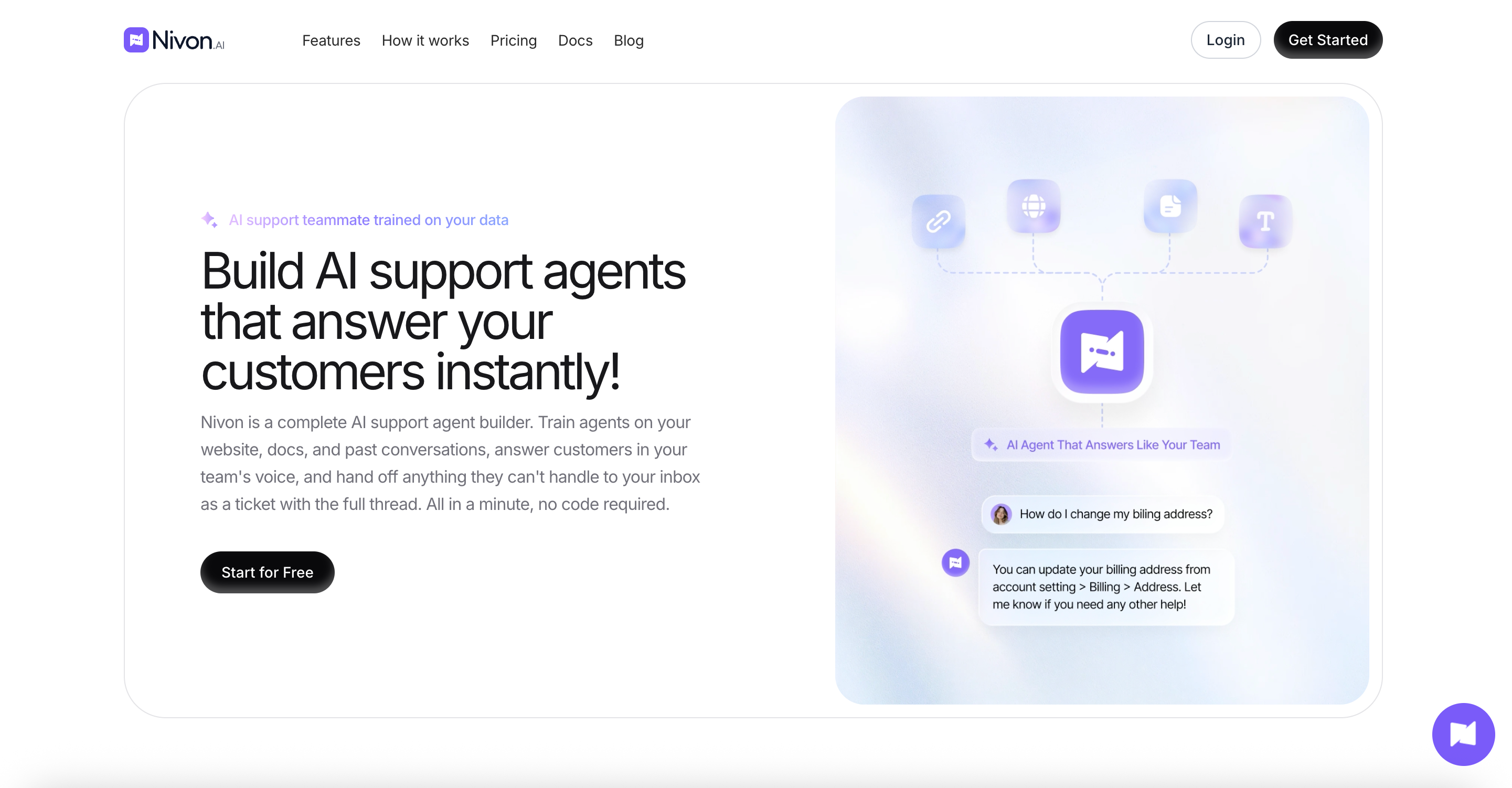
Nivon.AI builds AI support agents trained on your website, documents, FAQs, and past support tickets. The agent answers from that material and hands the conversation to your team when it cannot, passing the full thread across. Built by Pimjo, which ran it on its own products for 45 days before release.
Key features:
- Trains on website crawls, sitemaps, uploaded documents, Google Drive, OneDrive, FAQs, pasted text, and past support tickets
- 20+ models across OpenAI, Anthropic, Google, and xAI, switchable per agent
- Guardrails that define what the agent handles, refuses, never shares, and escalates
- Replies in 95+ languages, matching the language the customer writes in
- Separate workspaces with admin and member roles
- Analytics covering conversation volume, resolution rate, response time, and customer location
Pros:
- About $0.004 per message on Starter, the lowest entry rate on this page
- One credit equals one message on any model
- The free plan gives 150 messages, does not expire, and needs no card
- Seats are included up to each plan's limit, with no per-seat fee
Cons:
- No API action layer or MCP action calls, so it answers rather than executes tasks
- No visual flow builder
- Slack, GitHub, and Telegram integrations are in progress, and Notion is in review
- SOC 2 Type II is in progress, not complete
Pricing: Free at $0 with 150 credits a month and 1 team member. Starter is $12 a month, or $9 on annual billing, with 3,000 credits and 3 members. Growth is $39 a month, or $29 annually, with 12,000 credits and 5 members. Business is $79 a month, or $59 annually, with 30,000 credits and 15 members.
Best for: Teams where the agent primarily answers questions and escalates the rest. If your agent needs to call APIs and complete transactions, Chatwith does more.
Chatling
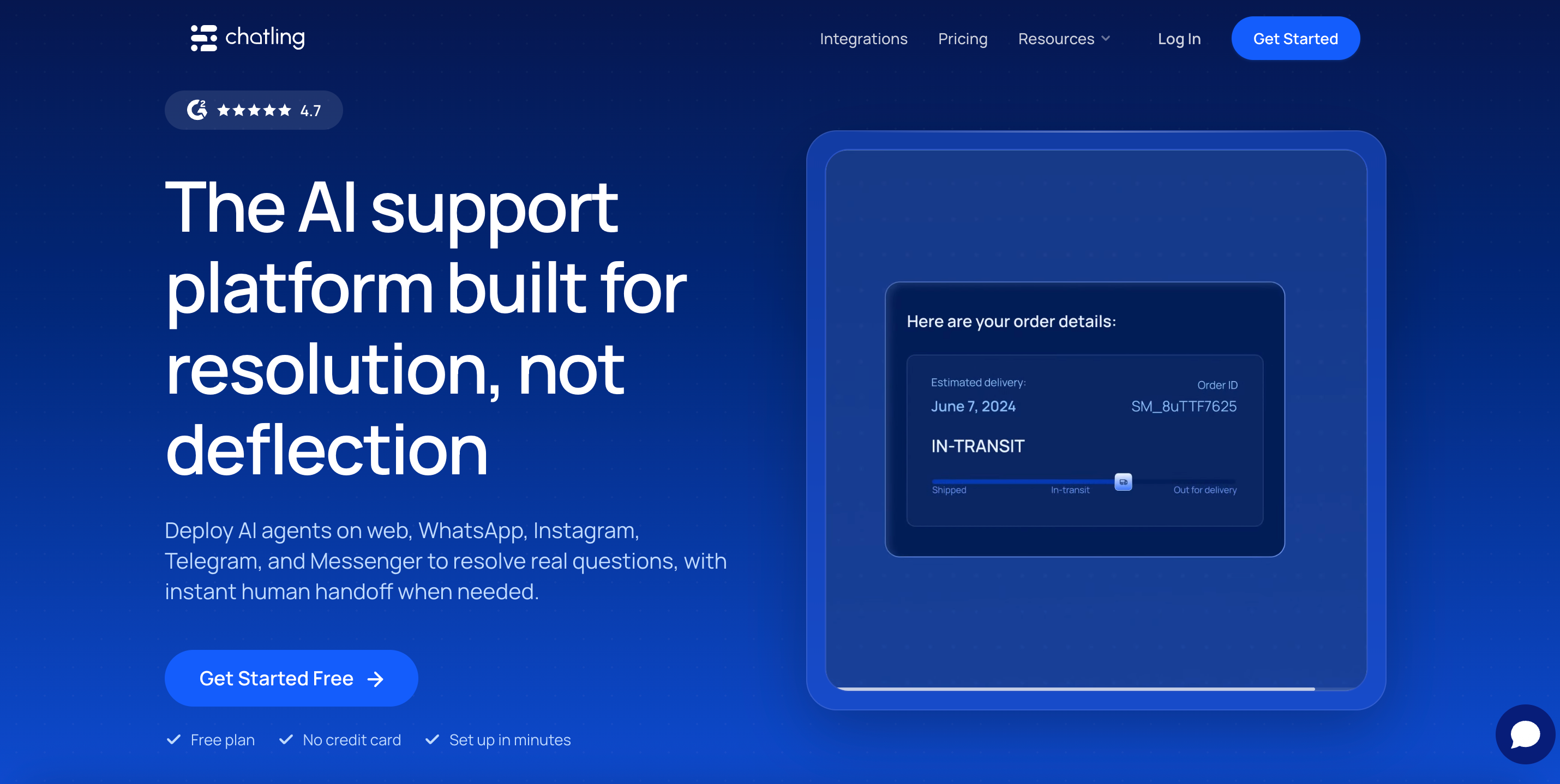
Chatling is a no-code chatbot builder with a visual flow builder. You can design conversation branches by dragging blocks, or let the AI answer from your knowledge base. It supports 29 models and connects to WhatsApp, Instagram, Messenger, and Telegram on paid plans. The free plan allows unlimited non-AI chats.
Key features:
- Visual drag-and-drop flow builder
- 29 models across OpenAI, Anthropic, Google, Mistral, xAI, and DeepSeek
- Live chat with human handoff and AI chat summaries
- Actions that let the agent complete tasks during a conversation
- Auto-sync of knowledge base sources, weekly or daily, by plan
- Round robin routing on higher tiers
Pros:
- The visual flow builder is the best in this group
- Unlimited non-AI chats on every plan, including free
- It publishes the exact credit cost of all 29 models
- Free plan gives 200 credits and does not expire
Cons:
- Credits scale by model, from 0.5 per reply up to 25 on Claude Opus 5
- The $25 Starter plan buys 1,750 credits, which is 70 replies on the most expensive model
- Branding removal costs $35 a month on top of a $25 plan
- Extra credits cost $10 per 1,000
Pricing: Free at $0 with 200 AI credits. Starter is $25 a month, or $21 annually at $250 a year, with 1,750 credits. Growth is $75 a month, or $63 annually at $750, with 6,000 credits. Scale is $295 per month, or $ 2,950 annually, with 35,000 credits.
Best for: Teams that want scripted conversation branches alongside AI answers. Pick a cheap model, and the credit system works in your favor. Pick an expensive one, and the capacity drops sharply.
SiteSpeak
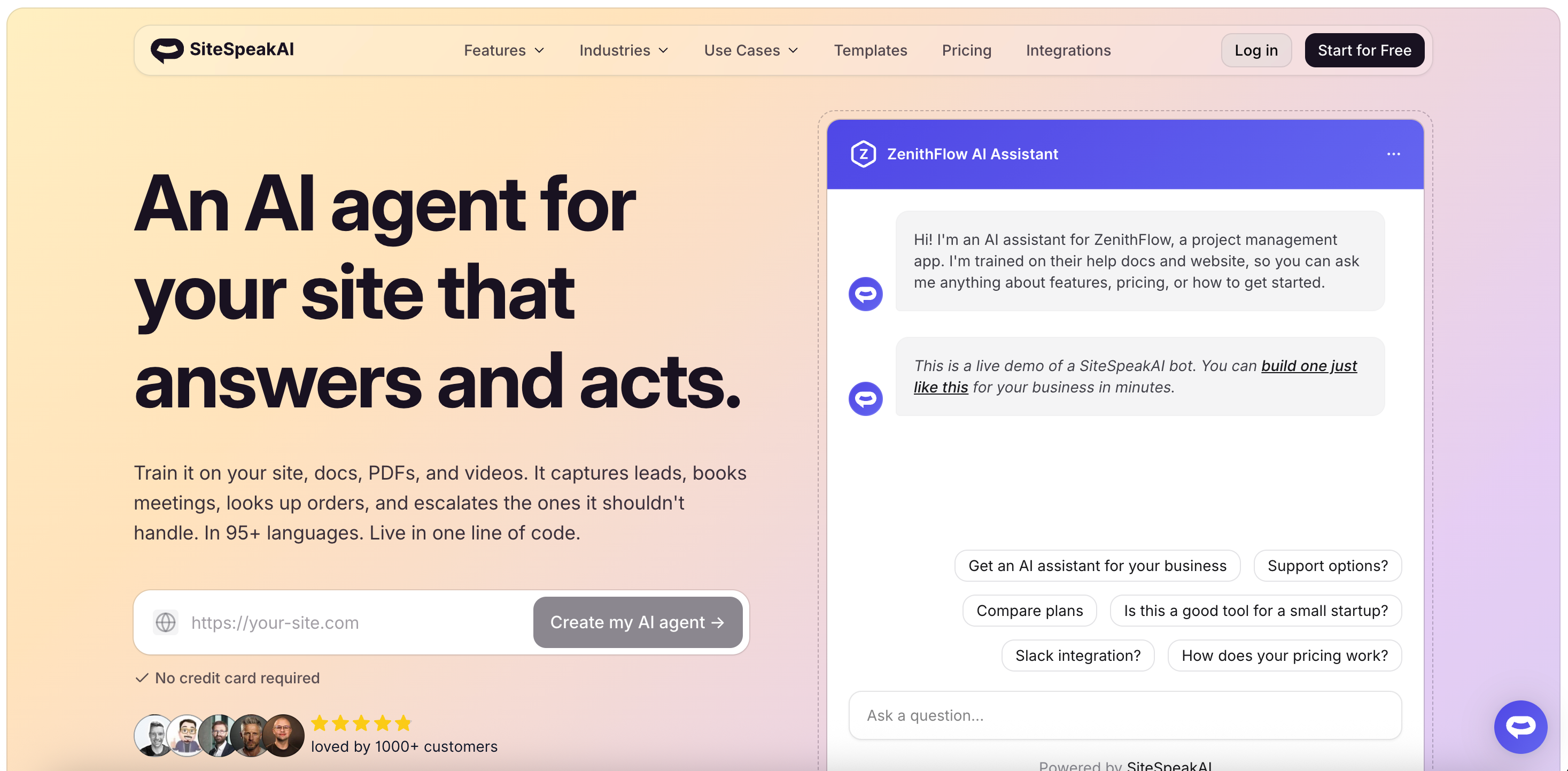
SiteSpeak builds AI agents trained on your website content, with a built-in live chat inbox. Human handoff and live chat come with the product rather than as an upgrade. It supports models from OpenAI, Anthropic, Google, and xAI, and allows your own API key on higher tiers.
Key features:
- Live chat widget and inbox included from the free plan
- Model choice across four providers, with bring your own key on Pro
- API and MCP server access on Pro
- WhatsApp and HubSpot integrations on Pro
- Auto-syncing training sources
- Agency plans with white-label dashboards and client sub-teams
Pros:
- Live chat and human handoff are included rather than sold separately
- Bring your own API key, which moves the model cost off the plan meter
- Sentiment analysis and speech recognition included
- 7-day free trial on paid plans
Cons:
- The free plan includes 30 message credits, only slightly more than Chatwith's 25
- Basic models only on the free tier
- Its homepage and pricing page list different credit allowances for the same plans, so confirm before buying
- Training sources are capped by tier, where Chatwith allows unlimited on every plan
Pricing: Free at $0 with 30 message credits, 1 agent, and 10 training sources. Paid plans start at about $29 a month with 2,000 credits, 1 agent, and 200 training sources. Higher tiers add credits, agents, all models with BYOK, and API access. Annual billing saves 20%.
Best for: Teams that want AI answers and staffed live chat in one product. The small free tier means you should plan on using the trial.
Chatbase
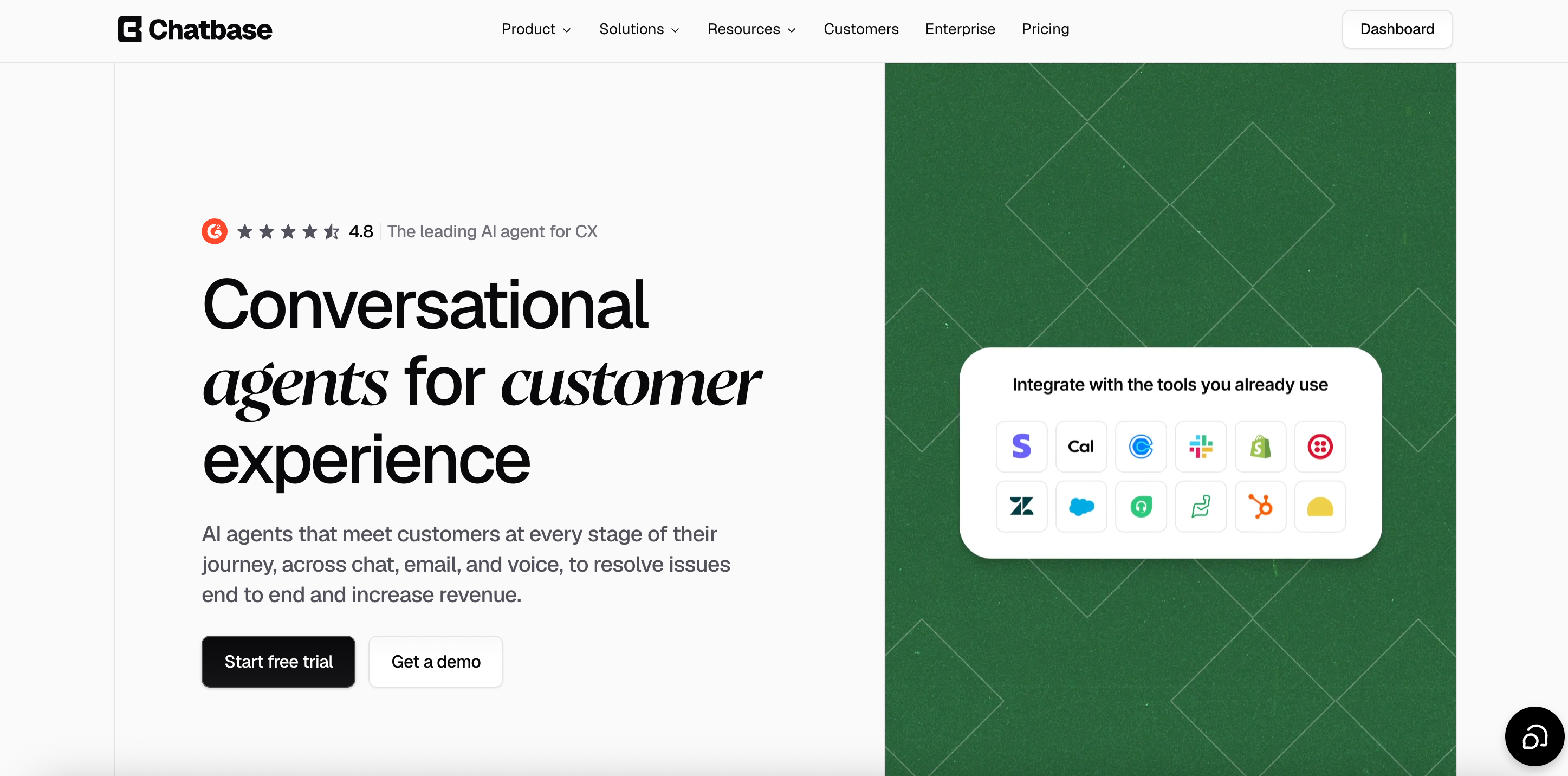
Chatbase builds AI agents trained on your documents, links, and text, then deploys them as a website widget or through messaging channels. It is the most widely used tool in this category. Voice, telephony, and outbound campaigns are available from the Standard plan, which few competitors offer.
Key features:
- Models from OpenAI, Anthropic, Google, DeepSeek, Meta, Mistral, and others
- AI Actions that let the agent perform tasks during a conversation
- Voice, telephony, and outbound campaigns from Standard
- Helpdesk features from Standard
- Integrations with Stripe, Zendesk, Salesforce, Intercom, HubSpot, Freshdesk, Gorgias, Shopify, and more
Pros:
- The widest integration list on this page
- Voice and telephony are built in rather than added on
- Auto-retrain and source suggestions on higher tiers
Cons:
- The highest entry price here is $40 a month for 700 credits
- Every plan includes one agent. Extra agents cost $25 each per month
- Branding removal costs $99 a month
- Extra credits cost $40 per 1,000, over four times Chatwith's $9 rate
- Free plan agents are deleted after 14 days of inactivity
Pricing: Free at $0 with 50 message credits and 1 member. Hobby is $40 a month with 700 credits and 2 members. The standard is $150 with 4,000 credits and 3 members. The pro is $500 with 15,000 credits and 5 members. Enterprise is custom. Yearly billing takes 20% off.
Best for: Teams that need voice, telephony, or a specific CRM integration. On price per message, it is the most expensive option here, so the integrations have to earn it.
My AskAI
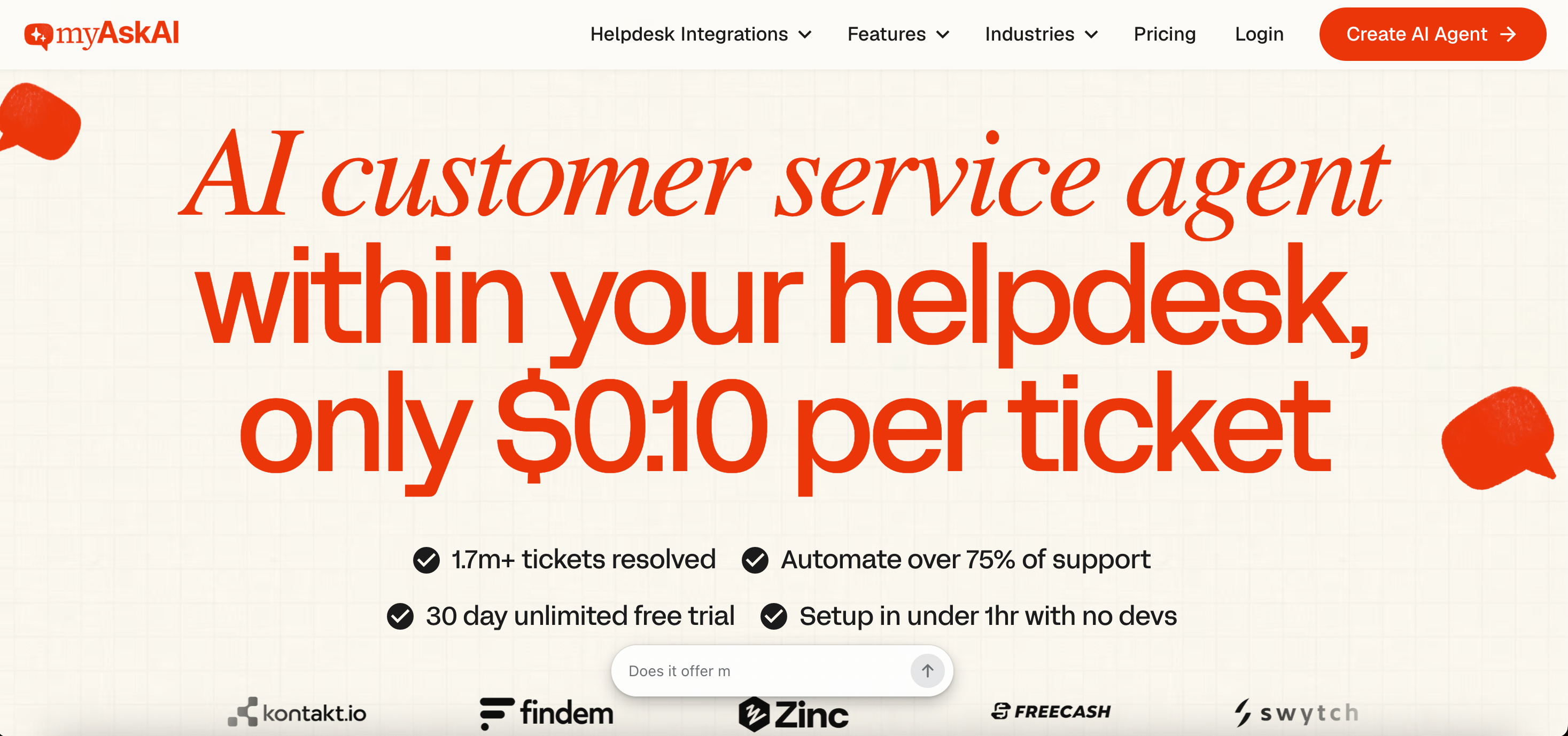
My AskAI is an AI support agent that runs inside the helpdesk you already use. It integrates with Zendesk, Intercom, Freshdesk, Gorgias, and HubSpot and answers customer questions using your help content. It is built for deflecting support tickets rather than website chat, which makes it a different shape from Chatwith.
Key features:
- Runs inside your existing helpdesk with no migration
- Trains on help center articles, websites, Google Drive, and Notion
- Replies in 95+ languages
- Advanced actions, including refunds and cancellations
- Historic ticket training on the Scale plan
- AI CSAT scoring
Pros:
- About $0.10 to $0.12 per ticket, and a ticket can contain many messages
- Unlimited seats from the Scale plan
- 30-day free trial with no credit card
- SOC 2 from the Scale plan
Cons:
- The $199 monthly entry price is by far the highest on this page
- Branding removal and API, Slack, and Teams access each cost $49 a month extra on Pro
- You are billed for every ticket the AI handles, whether or not it resolves
- It needs an existing helpdesk, so it is not a standalone website widget
Pricing: Pro is $199 per month with 1,000 tickets and 5 seats, plus $0.12 per ticket over the allowance. Scale is $499 a month with 2,000 tickets, unlimited seats, SOC 2, and $0.10 overage. Enterprise starts at $999 a month. Annual billing takes 33% off.
Best for: Teams already running Zendesk, Intercom, or Freshdesk who want to cut ticket volume. If you want a chatbot on a website with no helpdesk behind it, this is the wrong tool.
SiteGPT
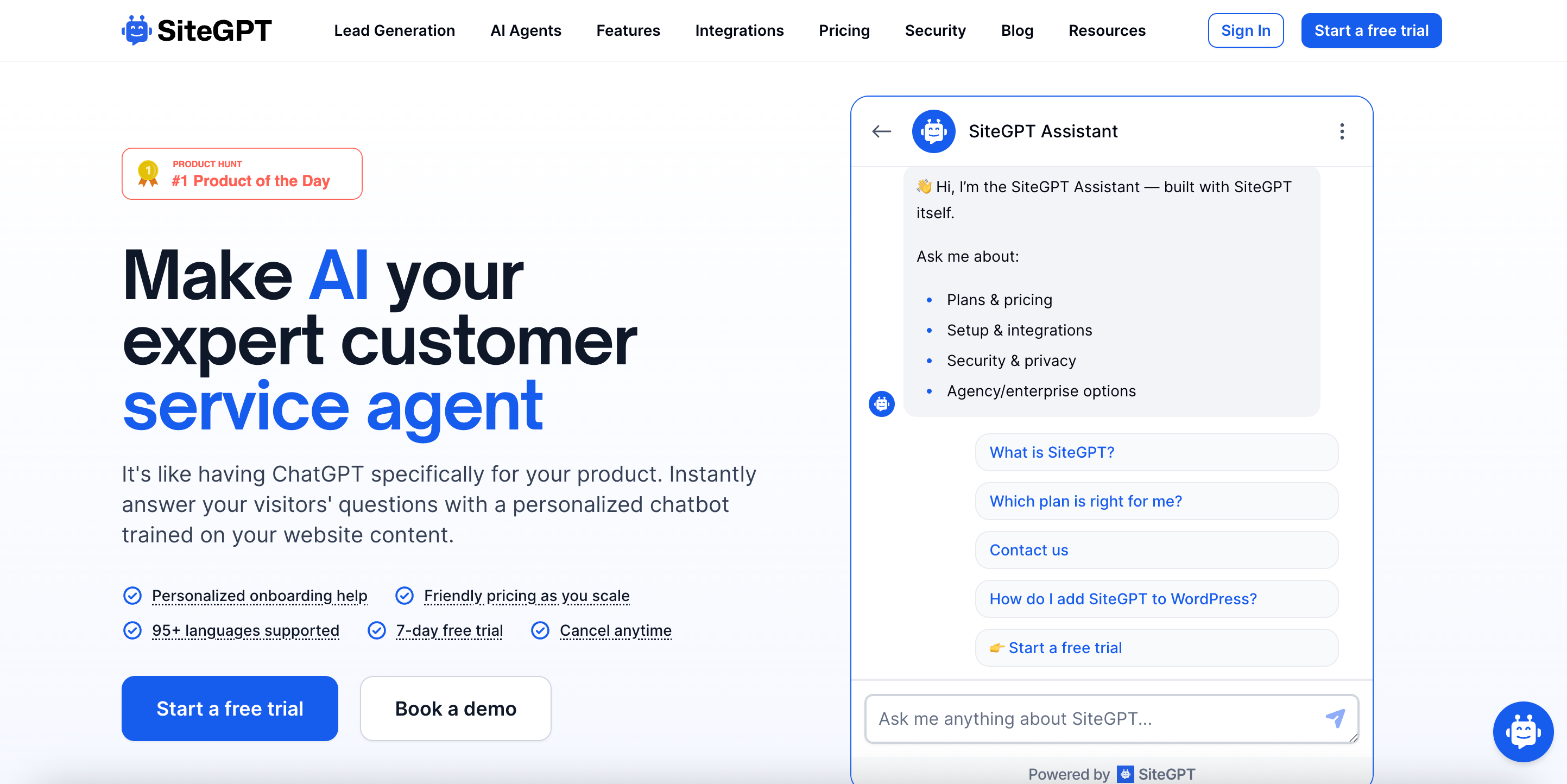
SiteGPT trains a chatbot on your website by crawling your pages. You enter a URL, select the pages to train on, and embed the result. It pulls from websites, sitemaps, files, YouTube, GitHub, Notion, Google Drive, and Dropbox, which is the widest source list in this group.
Key features:
- Trains from 12 content source types, including GitHub and YouTube
- Lead capture is built into the chat flow
- Slack, Zapier, Webflow, Shopify, and WordPress integrations
- Escalation to a human agent
- White-label on higher tiers
Pros:
- The widest range of content sources here
- Prominent lead capture, which suits marketing sites
- Large annual discount against monthly billing
Cons:
- No free plan, only a 7-day trial
- The question and the reply count as separate messages, so one exchange consumes two
- Model choice changes capacity sharply, with reported allowances dropping roughly tenfold from the mini model to GPT-4.1
- The price shown first is the annual rate, and the monthly rate is materially higher
Pricing: Published figures differ across sources. Reported plans run about $59, $129, and $429 a month on monthly billing, falling to about $39, $79, and $259 on annual billing. Confirm the current rates on SiteGPT's pricing page, and check whether the quoted figure is monthly or annual.
Best for: Teams training an agent on content spread across GitHub, Notion, and Drive. If a free plan matters to you, this is not it.
Botsonic
Botsonic is the chatbot product from Writesonic. It builds agents trained on your content and deploys them to your website and messaging channels. It has the lowest entry price here alongside Chatwith. Because it sits within Writesonic, billing is connected to Writesonic’s broader credit system.
Key features:
- Trains on website content and uploaded files
- Agentic actions, rising by plan tier
- Large character limits for training content
- Multiple messaging channels
- Team member seats by tier
Pros:
- Matches Chatwith's entry price at around $19 a month
- Generous training character limits relative to price
- Extra message blocks sold in fixed increments
Cons:
- Model choice changes message consumption. Botsonic's documentation has listed GPT-4o at 2x and GPT-4 at 10x
- Its documentation and pricing page have disagreed on plan prices, onboarding fees, and whether multipliers apply
- Reported one-time onboarding fees and an Enterprise floor appear in documentation but not on the pricing page
- Branding removal is a paid add-on
Pricing: Reported plans start at about $19 per month, billed monthly, or about $16 per year, with roughly 1,000 messages. Higher tiers add messages, chatbots, and team members. Because Botsonic's own documentation and pricing page have carried different figures, confirm every number directly before committing.
Best for: Teams on the tightest budget who will verify the rate card themselves. The price is the attraction, and the billing detail is the risk.
How to choose
- Cost per message is what matters: Choose Nivon. About $0.004 per message on Starter is roughly a fifth of Chatwith's Hobby rate, and the model you pick does not change it.
- Need the agent to call APIs and complete transactions: Stay on Chatwith. Its MCP action layer, Shopify and WooCommerce integrations, and webhook support are stronger than anything else on this page. Nivon answers questions and escalates. It does not execute tasks.
- Want scripted conversation branches: Choose Chatling. Its visual flow builder is the most capable here, provided you pick a cheap model to keep credit use down.
- Want live chat staffed by humans alongside the AI? Choose SiteSpeak. It includes the inbox rather than selling it separately.
- If you already run a helpdesk and want fewer tickets, choose My AskAI. It works inside Zendesk, Intercom, and Freshdesk rather than sitting on your website.
- Need voice or telephony: Choose Chatbase. It costs the most per message here, so only pick it if you will use those channels.
Frequently asked questions
What is the best Chatwith alternative?
It depends on what is not working. For a lower cost per message, Nivon runs about $0.004 on its $12 Starter plan, compared to Chatwith's $0.019 on Hobby. For a visual flow builder, Chatling starts at $25. For helpdesk ticket deflection rather than website chat, My AskAI starts at $199 a month.
What is the cheapest Chatwith alternative?
Nivon has the lowest entry price at $12 a month and the lowest cost per message at about $0.004. Botsonic matches Chatwith at around $19 a month. Chatling is $25, and SiteSpeak is about $29. Chatbase is the most expensive entry at $40.
How much does Chatwith cost?
Chatwith is free at $0 with 25 messages a month. Hobby is $19/month with 1,000 messages. The standard plan is $99 with 10,000 messages. Business is $399 with 40,000 messages. Add-ons cost $9 per 1,000 extra messages, $9 per extra agent, $9 per 10 million training characters, and $6 per 1,000 MCP action calls.
Does Chatwith have a free plan?
Yes. It includes 25 messages a month, 1 agent, 500,000 training characters, and unlimited sources. At 25 messages, it is the smallest free tier among the tools on this page, so treat it as a demo rather than a trial.
Is there a free alternative to Chatwith?
Yes. Nivon's free plan includes 150 messages per month, one agent, and one team member, with no card required and no expiry. Chatling's free plan gives 200 AI credits and unlimited non-AI chats. Chatbase gives 50 credits but deletes agents after 14 days of inactivity.
Does Chatwith charge more for better AI models?
No. Chatwith counts each message as a single message regardless of the model, and lists advanced AI models as a plan feature rather than a credit multiplier. This sets it apart from Chatling, DocsBot, SiteGPT, and Botsonic, all of which change credit cost by model.
What are the MCP action calls in Chatwith?
They are a separate usage meter from the messages meter. Hobby includes 250 a month, Standard 1,250, and Business 5,000. Extra calls cost $6 per 1,000 per month. Built-in actions, custom API calls, and webhook actions do not count against this limit.
Why is Chatwith's cheapest plan the most expensive per message?
Hobby offers 1,000 messages for $19, which is $0.019 per message. Standard gives 10,000 for $99, which is $0.0099 each. The better rate applies only to the higher tier, so a low-volume user pays roughly double per reply.
Which one to pick
Chatwith does the hard thing well. One message costs one message, no matter which model answers. That alone puts it ahead of most tools in this category.
The problem is the shape of the plans. A 25-message free tier is too small to evaluate with, and the entry plan charges about twice the per-message rate of the tier above it.
If you need the action layer, none of these alternatives replaces it. If your agent mainly answers questions and handles the rest, Nivon starts at $12 per month with 3,000 messages and a free plan that never expires.