7 Best Chatling Alternatives in 2026
Seven Chatling alternatives compared on what each one charges per AI reply, including the model multipliers that decide your real bill.
Team Nivon.AI
Sep 21, 2026
Chatling is a no-code chatbot builder. You train an agent on your website and documents, build conversation flows visually, and embed it on your site. The free plan allows unlimited chats, and paid plans start at $25 a month.
The part that catches people out is the credit system. Chatling bills in AI credits, and one reply costs anywhere from 0.5 credits to 25 credits, depending on which model you pick. The Starter plan includes 1,750 credits for $25 a month. That buys 3,500 replies on the cheapest model or 70 replies on Claude Opus 5.
Chatling publishes this table openly, which is more than most competitors do. But it means the plan you buy and the capacity you get are two different numbers. This page compares seven alternatives on what each one charges per reply.
Quick picks
- Best for predictable capacity: Nivon. One credit per message on any model, from $12 a month.
- Best known alternative: Chatbase. The largest user base in this category, with a wide integration list.
- Cheapest entry price: Botsonic, around $19/month.
- Best free plan: Nivon. 150 credits a month that never expire, with no card required.
- Best for documentation: DocsBot. Built around doc retrieval with source citations.
- Best for live chat alongside AI: SiteSpeak. Includes a chat inbox and human handoff on lower tiers.
Why teams look for alternatives to Chatling
Chatling does several things well. The free plan allows unlimited non-AI chats, which almost no competitor offers. It supports 29 models. It publishes exact credit costs per model, which is unusually transparent. It responds in over 80 languages, and it states plainly that your data is not used to train models.
Here is what sends people looking.
One reply costs between 0.5 and 25 credits
Chatling's own FAQ lists the credit cost of every model. Grok 4.1 Fast, DeepSeek V3.2, Mistral Small 4, and Gemini 2.5 Flash cost 0.5 credits per message. Claude Haiku 4.5 costs 1. GPT-4 costs 5. Claude Sonnet 5 costs 12. Claude Opus 5 and GPT-5.6 Sol cost 25.
That is a 50x spread between the cheapest and most expensive model. Your plan size stays the same. Your capacity does not.
Starter plan reply limits
Starter costs $25 a month and includes 1,750 credits. Here is what that buys.
| Model | Credits per reply | Replies on Starter |
|---|---|---|
| Grok 4.1 Fast, DeepSeek V3.2, Gemini 2.5 Flash | 0.5 | 3,500 |
| Claude Haiku 4.5 | 1 | 1,750 |
| GPT-4.1 | 2.5 | 700 |
| GPT-4o | 5 | 350 |
| Claude Sonnet 5 | 12 | 145 |
| Claude Opus 5, GPT-5.6 Sol | 25 | 70 |
If you want the strongest model, Starter gives you about two replies a day.
Extra credits cost
When you run out, the add-on rate is $10 per 1,000 credits a month. On Claude Opus 5 at 25 credits a reply, that works out to 40 extra replies for $10, or 25 cents per answer.
Free plan limit
The free tier includes 200 credits and access to GPT 5.1, GPT-4.1, and GPT-4o only. The other 26 models require a paid plan. The free plan also has no analytics, no auto-sync, no API, and only web chat.
Branding removal costs
Removing “Powered by Chatling” costs $35 per month as an add-on, or you can upgrade to the Scale plan at $295 per month, which includes it. On the $25 Starter plan, the branding add-on costs more than half the plan price.
How to compare these tools
Ask every vendor the same questions.
- What counts as one billable unit: a message, a credit, a conversation, or a resolution?
- Does the model you choose change the cost per reply, and by how much?
- Is the advertised price the monthly rate or the annual rate?
- What does the free plan actually allow, and does it expire?
- Which features cost extra? Branding removal, extra agents, and extra seats are the common ones.
- How much do extra credits cost when you run out?
- Can the agent hand a conversation to a human, and is that included?
Chatling alternatives compared
| Tool | What the meter counts | Entry price (monthly) | Model multiplier | Free plan |
|---|---|---|---|---|
| Nivon | One credit per message | $12 | No | Yes, 150 credits, never expires |
| Chatbase | Message credits | $40 | Not published | Yes, 50 credits, agents deleted after 14 days idle |
| SiteSpeak | Message credits | From $29 | Not published | Yes, 30 credits |
| DocsBot | AI credits | $49 | Yes, 1x to 20x | Yes, 100 credits |
| SiteGPT | Messages, question and reply counted separately | $59 | Yes, about 10x | No, 7-day trial |
| Botsonic | Bot messages | About $19 | Yes, 2x to 10x | Limited trial credits |
| Chatwith | Messages | From $19 | Not published | Yes, 50 messages |
| Chatling | AI credits | $25 | Yes, 0.5x to 25x | Yes, 200 credits |
The 7 best Chatling alternatives
Nivon AI
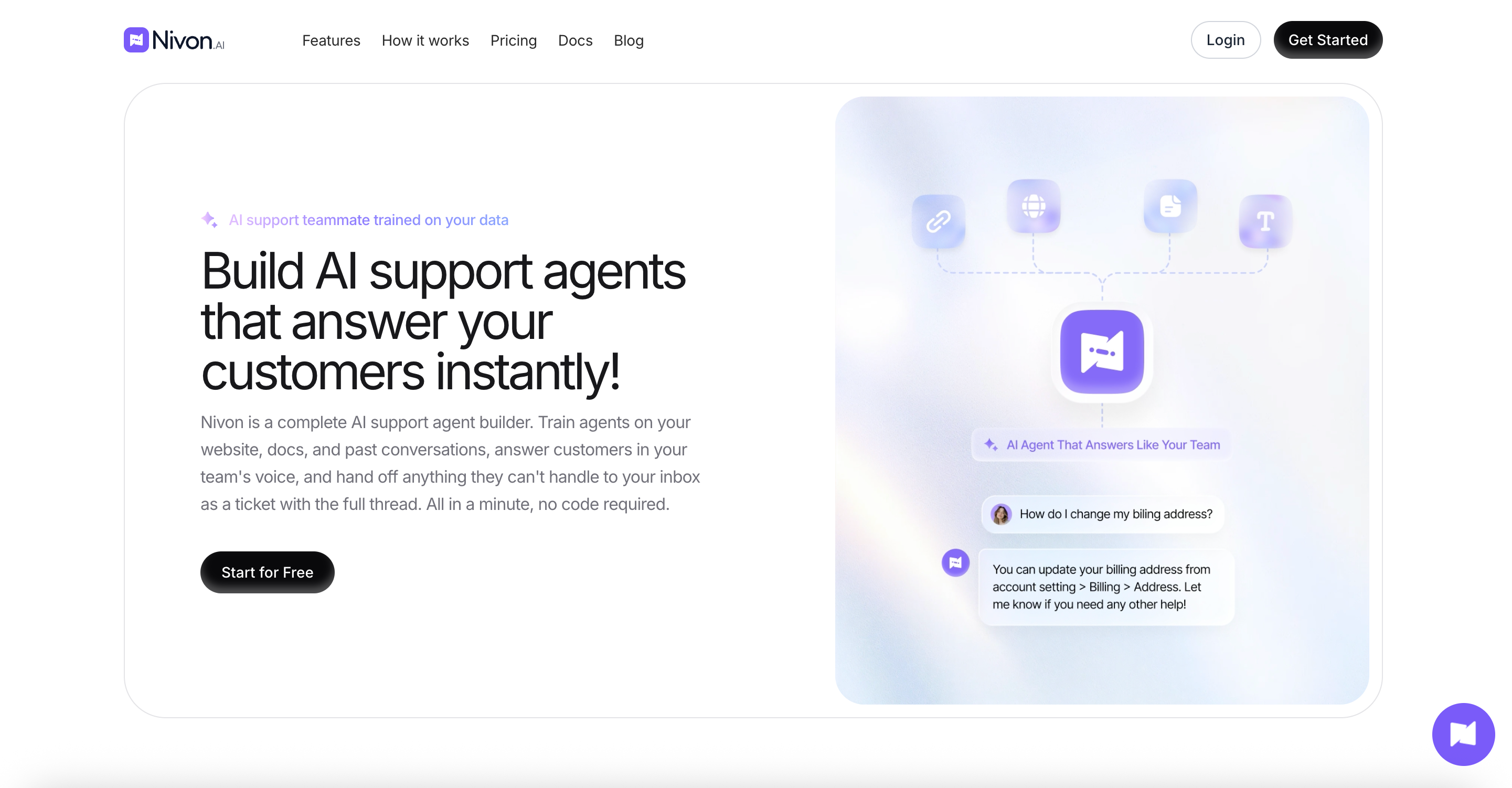
Nivon.AI builds AI support agents trained on your website, documents, FAQs, and past support tickets. The agent answers from that material and hands the conversation to your team when it cannot. It was built by Pimjo, who ran it on its own products for 45 days before release. Setup takes minutes and needs no developer.
Key features:
- Trains on website crawls, sitemaps, uploaded documents, Google Drive, OneDrive, FAQs, pasted text, and past support tickets
- 20+ models across OpenAI, Anthropic, Google, and xAI, switchable per agent
- Guardrails that define what the agent handles, refuses, never shares, and escalates
- Replies in 95+ languages, matching the language the customer writes in
- Separate workspaces with admin and member roles
- Analytics covering conversation volume, resolution rate, response time, and customer location
Pros:
- One credit equals one message. Switching to a stronger model does not reduce your capacity
- The free plan does not expire and requires no card
- No per-seat fee. Seats are included up to each plan's limit
- Allowed domain rules restrict each agent to the sites you assign it
Cons:
- Fewer models than Chatling's 29
- Slack, GitHub, and Telegram integrations are still in progress, and Notion is in review
- No visual flow builder, so it answers from content rather than following scripted branches
- SOC 2 Type II is in progress, not complete
Pricing: Free at $0 with 150 credits a month and 1 team member. Starter is $12 a month, or $9 on annual billing, with 3,000 credits and 3 members. Growth is $39 a month, or $29 annually, with 12,000 credits and 5 members. Business is $79 a month, or $59 annually, with 30,000 credits and 15 members.
Best for: Teams that want to know how many replies their plan buys before they pick a model. Starter gives 3,000 messages at $12 regardless of which model you run.
Chatbase
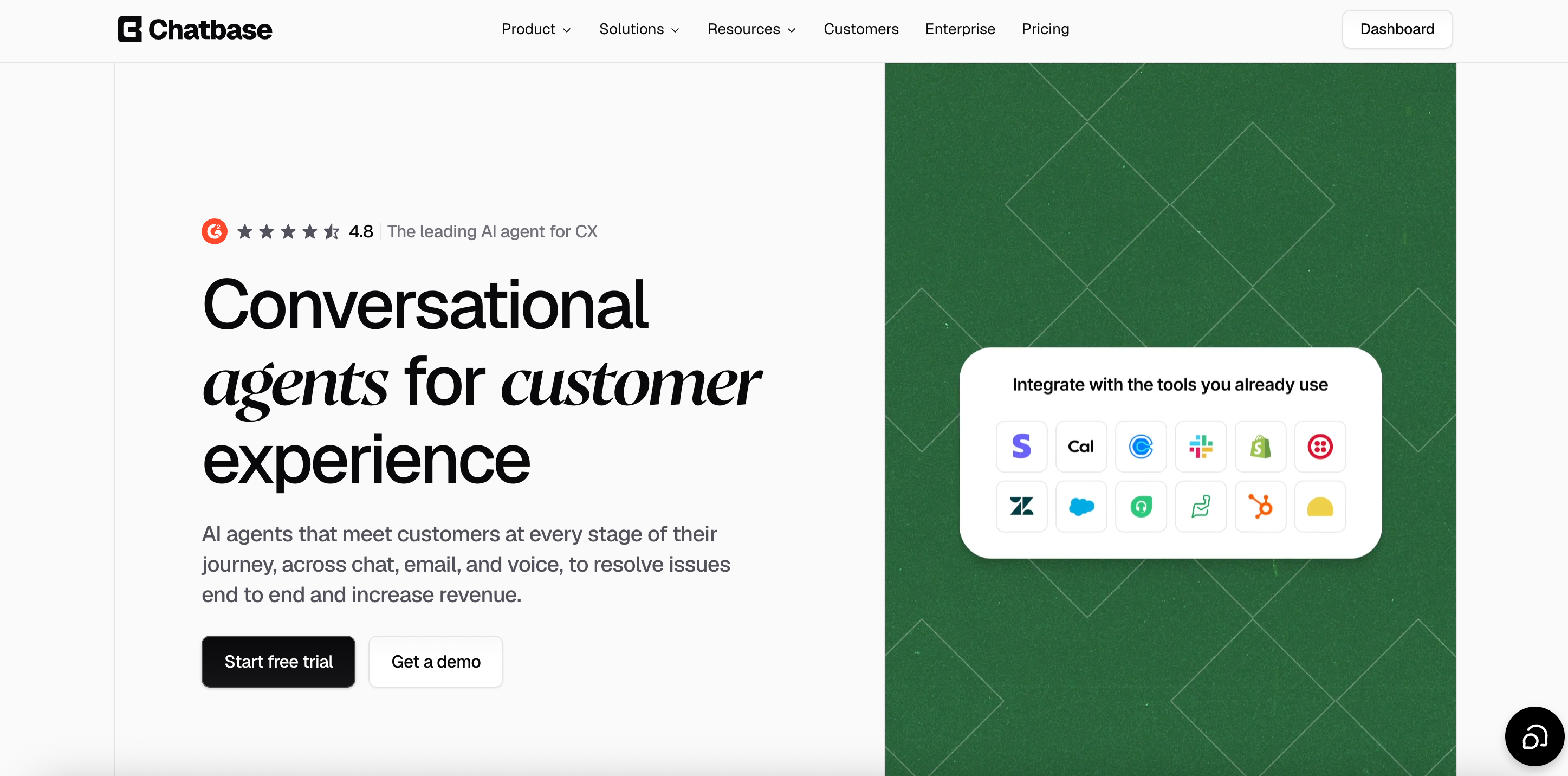
Chatbase lets you build AI agents trained on your own documents, links, and text. It deploys as a website widget and connects to Slack, WhatsApp, Instagram, Shopify, Zendesk, and Salesforce. It is the most widely used tool in this category. Voice, telephony, and outbound campaigns are available from the Standard plan.
Key features:
- Train on uploaded documents, URLs, and text
- Models from OpenAI, Anthropic, Google, DeepSeek, Meta, Mistral, and others
- AI Actions that let the agent perform tasks during a conversation
- Helpdesk, voice, and telephony from the Standard plan
- Integrations with Stripe, Zendesk, Salesforce, Intercom, HubSpot, Freshdesk, Gorgias, and more
Pros:
- The widest integration list of any tool on this page
- Voice and telephony are built in rather than added on
- A free plan exists for testing
Cons:
- Every plan includes one AI agent. Extra agents cost $25 each per month
- Branding removal costs $99 a month, nearly three times Chatling's $35
- Free plan agents are deleted after 14 days of inactivity
- Extra credits cost $40 per 1,000, four times Chatling's $10 rate
Pricing: Free at $0 with 50 message credits and 1 member. Hobby is $40 a month with 700 credits and 2 members. The standard is $150 with 4,000 credits and 3 members. The pro is $500 with 15,000 credits and 5 members. Enterprise is custom. Yearly billing takes 20% off.
Best for: Teams that need voice, telephony, or a specific CRM integration. It costs more than Chatling at every tier, so the integration list has to justify the gap.
SiteSpeak
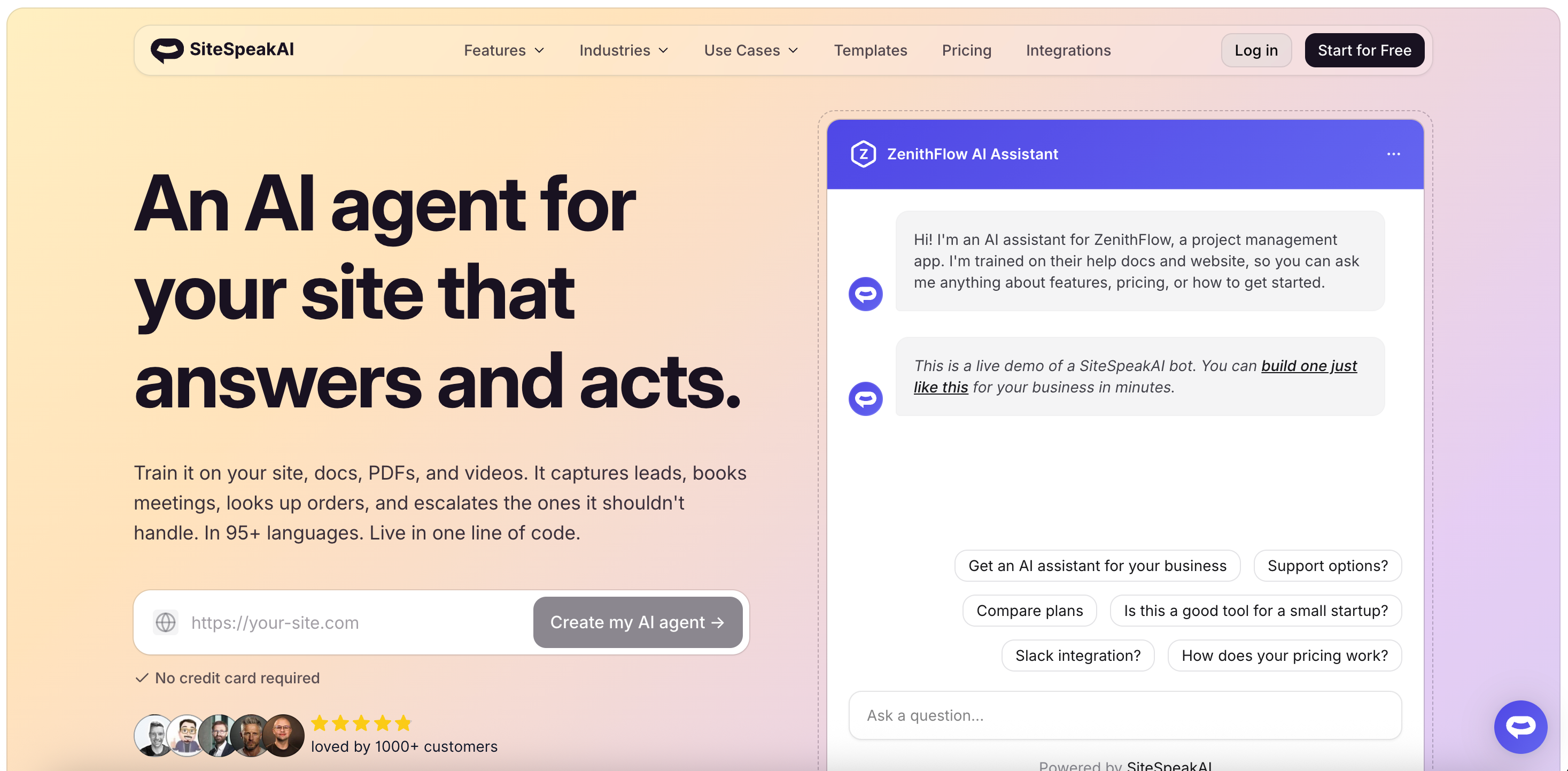
SiteSpeak builds AI agents trained on your website content, with a live chat inbox attached. Unlike most tools in this category, human handoff and live chat are part of the product rather than an upgrade. It supports models from OpenAI, Anthropic, Google, and xAI, and lets you bring your own key on higher tiers.
Key features:
- Live chat widget and chat inbox included from the free plan
- Model choice across OpenAI, Anthropic, Google, and xAI, with BYOK on Pro
- API and MCP server access on Pro
- WhatsApp and HubSpot integrations on Pro
- Auto-syncing training sources
- Agency and reseller plans with white-label dashboards
Pros:
- Live chat and human handoff are included rather than sold separately
- Lower entry price than Chatbase, DocsBot, or SiteGPT
- Bring your own API key on Pro, which moves the model cost off the credit meter
- 7-day free trial on paid plans
Cons:
- The free plan includes only 30 message credits, the smallest on this page
- Basic models only on the free tier
- Its own website and pricing page list different credit allowances for the same plans, so confirm the current numbers before buying
Pricing: Free at $0 with 30 message credits, 1 agent, and 10 training sources. Paid plans start at about $29 a month. Higher tiers add more credits, more agents, all models with BYOK, and API access. Annual billing saves 20%.
Best for: Teams that want AI answers and human live chat in one product without paying for two tools. The small free tier makes it hard to evaluate properly, so plan on the trial.
DocsBot
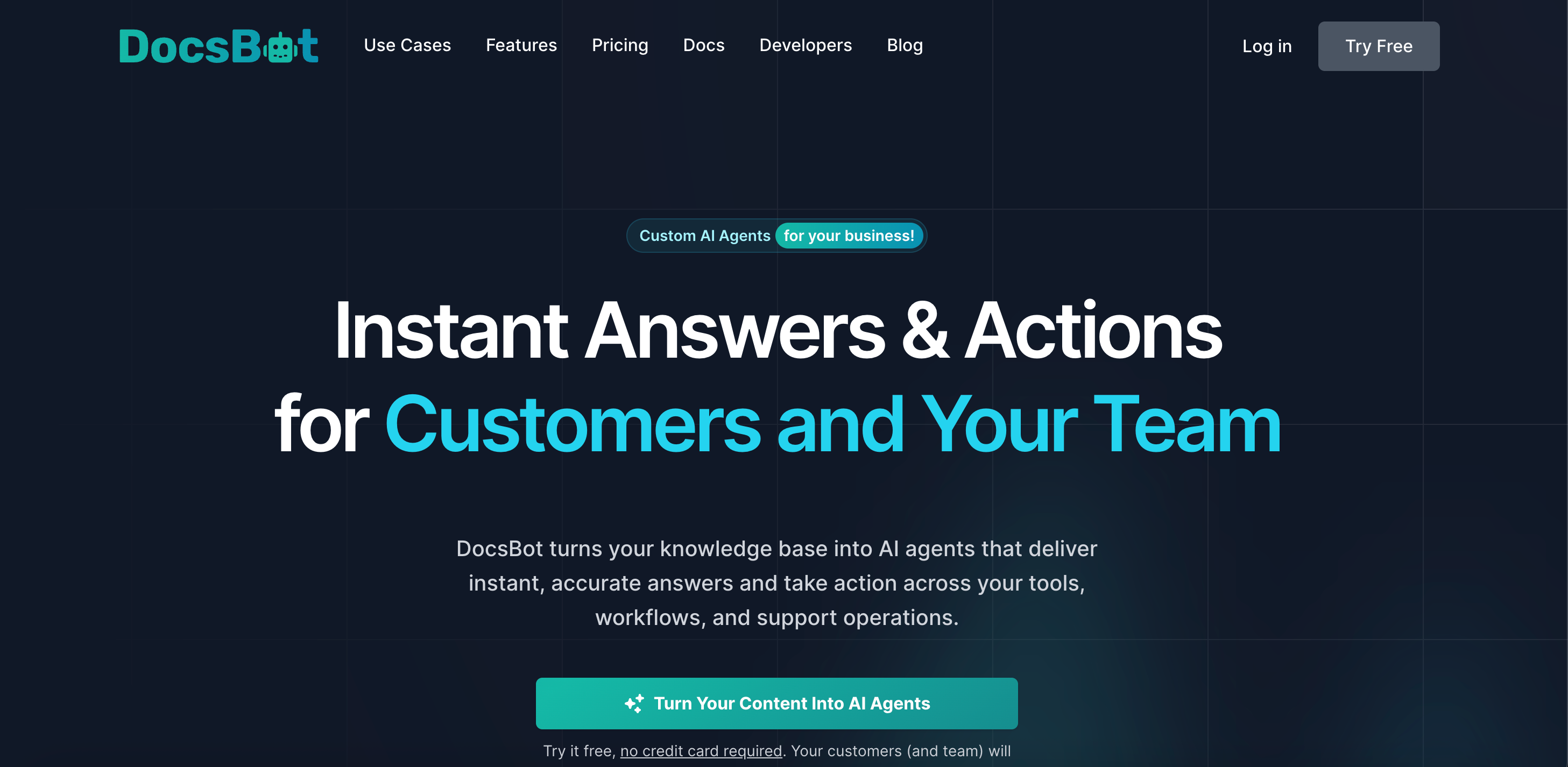
DocsBot builds chatbots trained on documentation. It focuses on retrieval with source citations, so answers point back to the page they came from. It connects to Slack, Messenger, WhatsApp, Telegram, and Zapier, and supports remote MCP connections. It is built for docs rather than general website chat.
Key features:
- Source citations attached to answers
- Remote MCP connections
- Lead collection forms and scheduling tools, including Calendly and Cal.com
- Slack, Messenger, WhatsApp, and Telegram channels
- Actions per bot, rising by tier
- Source refresh on a monthly or weekly schedule by plan
Pros:
- Built specifically for documentation retrieval
- Free plan available for testing
- 14-day money-back guarantee
- MCP support, which few tools in this category offer
Cons:
- Credits scale by model. DocsBot's own site lists GPT-5.6 Sol at 20x and GPT-5.6 Terra at 8x per message
- Advanced document parsing costs 2 AI credits per page on top of message costs
- The Personal plan includes just one bot and one team user
- Extra credits cost $49 per 5,000, and the entry price is higher than Chatling's
Pricing: Free at $0 with 100 AI credits, 1 bot, 50 source pages, and 1 team user. Paid plans add 5,000, 15,000, and 60,000 AI credits with 1, 5, and 10 team users. The AI credit add-on costs $49 per month per 5,000-credit increase. Confirm current plan prices on the pricing page, as the tier names and rates have changed.
Best for: Teams whose main job is answering questions from technical documentation. If you need conversation flows or lead qualification, Chatling's visual builder does more.
SiteGPT
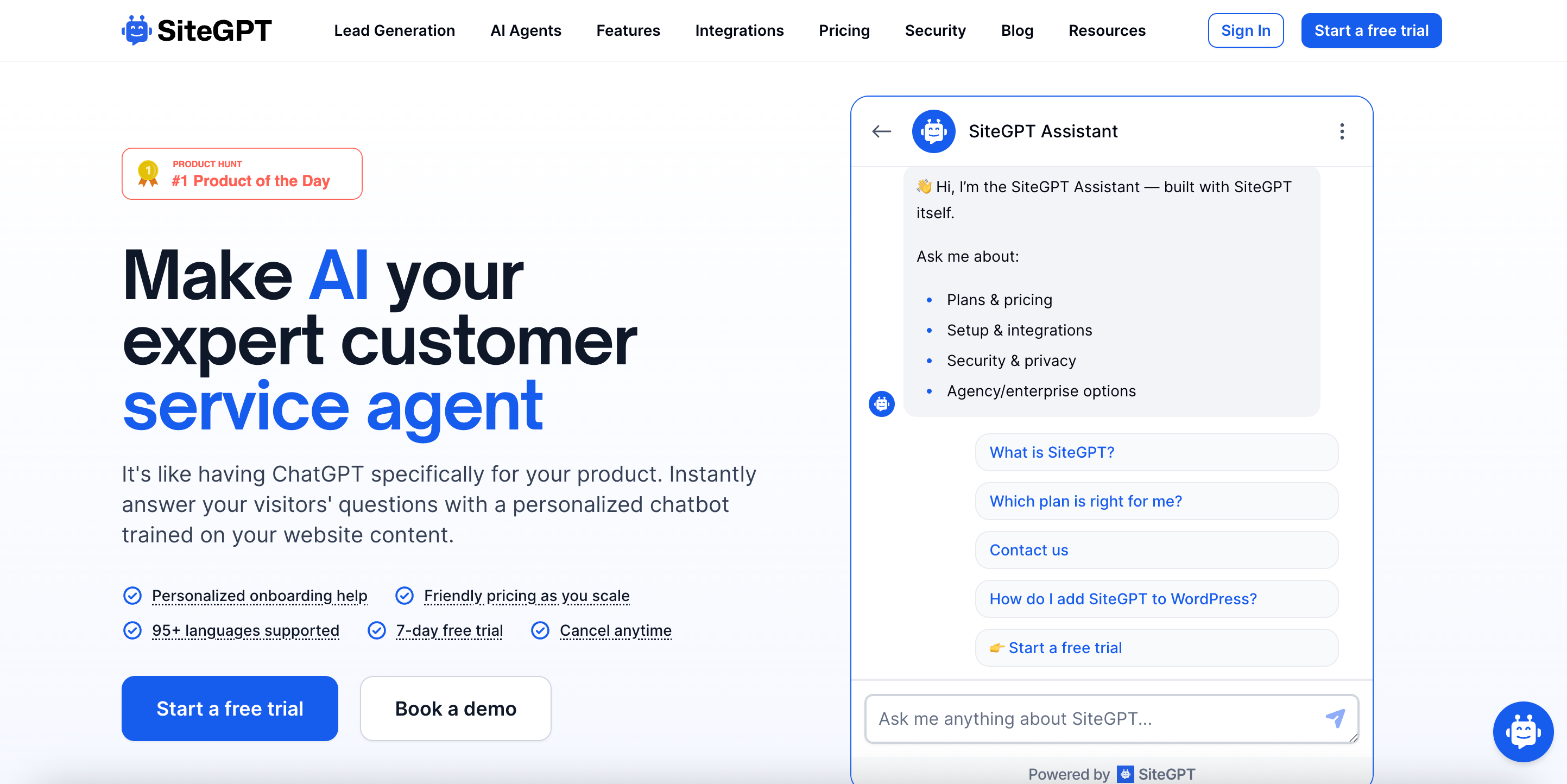
SiteGPT trains a chatbot on your website by crawling your pages. You enter a URL, pick the pages to train on, and embed the result. It pulls content from websites, sitemaps, files, YouTube, GitHub, Notion, Google Drive, and Dropbox. It positions itself as ChatGPT for your product.
Key features:
- Trains from 12 content source types
- Lead capture is built into the chat flow
- Slack, Zapier, Webflow, Shopify, and WordPress integrations
- Escalation to a human agent
- White-label on higher tiers
Pros:
- Wide range of content sources, including GitHub and YouTube
- Prominent lead capture, which suits marketing sites
- Steep annual discount compared with monthly billing
Cons:
- No free plan. Only a 7-day trial
- The question and the reply are counted as separate messages, so one exchange consumes two
- Model choice changes capacity sharply. Reported allowances drop roughly tenfold moving from the mini model to GPT-4.1
- The price shown first is the annual rate, and the monthly rate is materially higher
Pricing: Published figures vary between sources. Reported plans run about $59, $129, and $429 per month on monthly billing, falling to about $39, $79, and $259 per month on annual billing. Confirm the current rates on SiteGPT's pricing page before budgeting, and check whether the quoted amount is monthly or annual.
Best for: Teams training a bot on a large website with content spread across GitHub, Notion, and Drive. If you want a free plan to test with, this is not it.
Botsonic
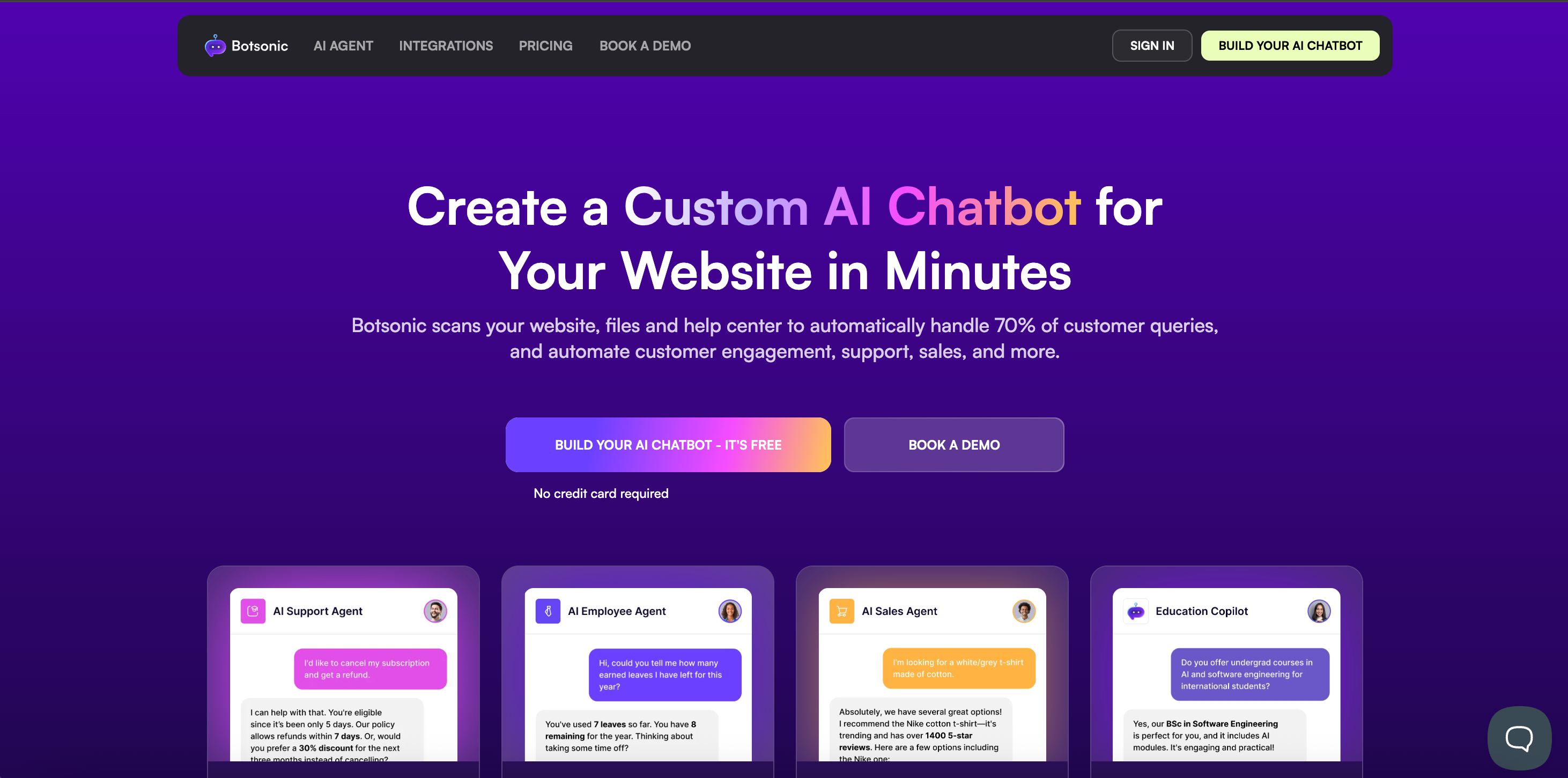
Botsonic is the chatbot product from Writesonic. It builds agents trained on your content and deploys them to your website and messaging channels. It has the lowest entry price on this page. Because it sits within the Writesonic ecosystem, billing is integrated with Writesonic’s broader credit system.
Key features:
- Trains on website content and uploaded files
- Agentic actions, rising by plan tier
- Large character limits for training content
- Multiple messaging channels
- Team member seats by tier
Pros:
- The cheapest entry price here is around $19 a month, billed monthly
- Generous training character limits relative to price
- Extra message blocks available in fixed-price increments
Cons:
- Model choice changes message consumption. Botsonic's documentation has listed GPT-4o at 2x and GPT-4 at 10x
- Its documentation and pricing page have disagreed on plan prices, onboarding fees, and whether multipliers apply
- Reported one-time onboarding fees and an Enterprise floor appear in the documentation, but not on the pricing page
- Branding removal is a paid add-on
Pricing: Reported plans start at about $19 a month, billed monthly, or about $16 on annual billing, with roughly 1,000 messages. Higher tiers add messages, chatbots, and team members. Because Botsonic's own documentation and pricing page have carried different figures, confirm every number directly before committing.
Best for: Teams on the tightest budget who are willing to verify the current rate card themselves. The price is the draw, and the billing detail is the risk.
Chatwith
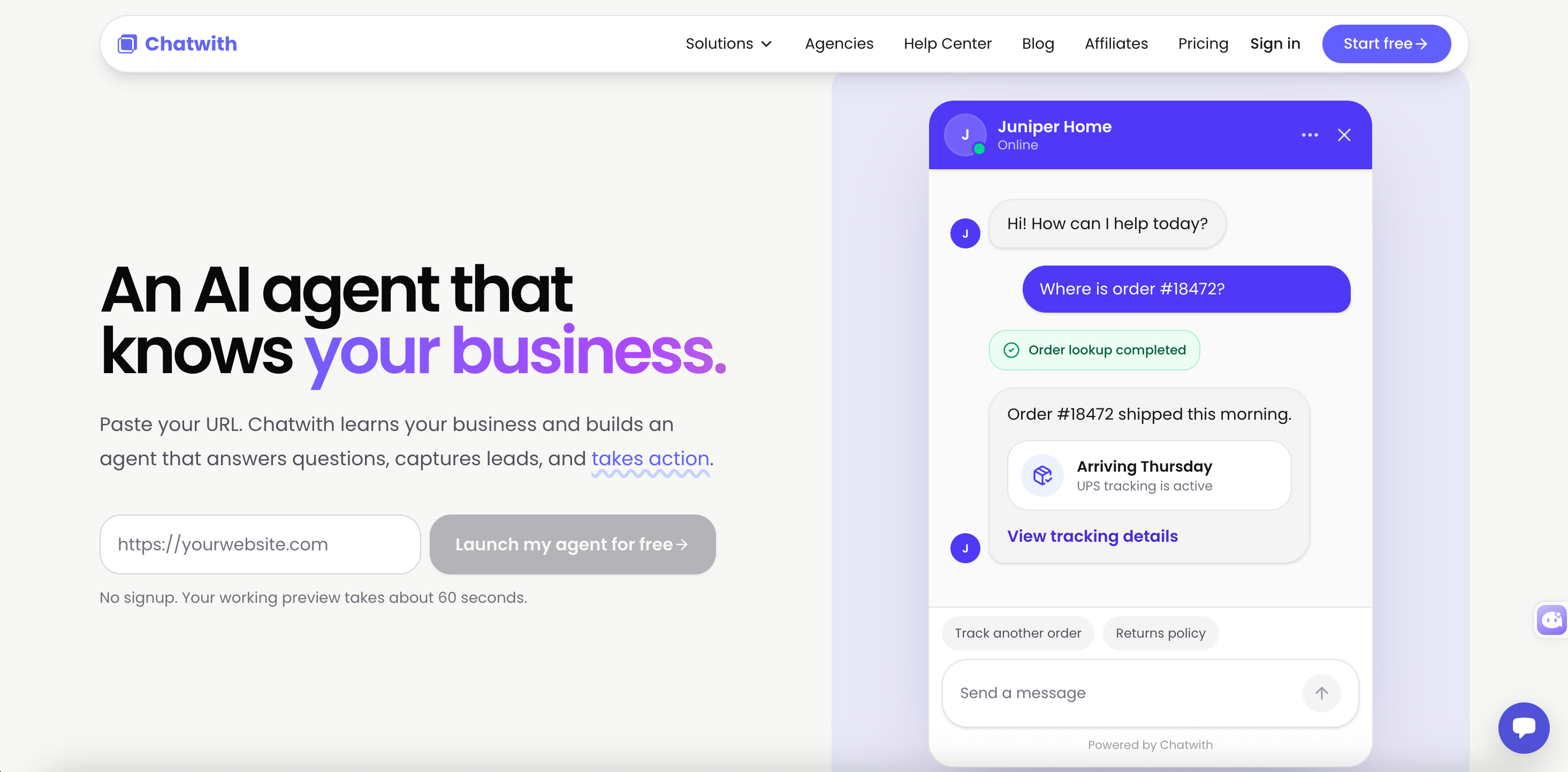
Chatwith builds custom chatbots trained on your files, website, sitemap, text, and YouTube videos. Its distinguishing feature is action breadth. It connects to APIs and thousands of services, so the agent can do more than answer. It supports model switching and lets you use your own OpenAI or OpenRouter key.
Key features:
- Trains on files, URLs, sitemaps, text, and YouTube
- Connects to APIs and external services for real actions
- Model switching, with your own API key supported
- Human escalation
- Auto and manual resync of training sources
- Analytics and source display on answers
Pros:
- Broader action and API integration than most tools at this price
- Bring your own API key, which moves the model cost off the plan meter
- E-commerce integrations included
- 14-day free trial
Cons:
- Published prices differ widely between sources, including between Chatwith's own comparison pages and third-party listings
- The free plan allows 50 messages a month, which is only enough for a short test
- The entry plan includes one chatbot
- Chatwith's pricing page loads its plan table dynamically, which makes the rates harder to confirm
Pricing: Chatwith describes its model as usage-based with a 14-day free trial and a discount for annual billing. Its own comparison pages list a free tier at 50 messages a month and paid plans starting around $19 a month. Other listings show a different tier structure. Confirm the live pricing page before budgeting.
Best for: Teams that need the chatbot to call APIs and trigger actions rather than just answer questions. Verify the current pricing yourself, because the published figures are inconsistent.
How to choose
- Want to know how many replies your plan buys: Choose Nivon. One credit equals one message on any model, so picking a stronger model does not shrink your allowance.
- Need a specific integration: Choose Chatbase. It connects to more help desks, CRMs, and channels than anything else here, and it includes voice and telephony on the Standard plan.
- Want live chat alongside the AI: Choose SiteSpeak. Human handoff and a chat inbox are included rather than sold as an upgrade.
- If your content is technical documentation, choose DocsBot. Source citations and docs-first retrieval are what it is built for.
- Want a visual flow builder: Stay on Chatling. None of the seven alternatives here match its drag-and-drop conversation builder, and that is a real reason to keep it.
- If you want the cheapest possible entry, look at Botsonic, but confirm the rate card yourself. Its documentation and pricing page have carried different numbers.
Frequently asked questions
What is the best Chatling alternative?
It depends on what is not working. For predictable capacity regardless of model, Nivon charges 1 credit per message, starting at $12 a month. For the widest integration list, Chatbase connects to more tools than anything else here. For live chat included with the AI, SiteSpeak starts at about $29 a month.
What is the cheapest Chatling alternative?
Nivon has the lowest entry price at $12 per month, with a free plan that includes 150 credits and never expires. Botsonic starts at around $19 a month. SiteSpeak starts at about $29. Chatbase is the most expensive entry at $40 a month.
How much does Chatling cost?
Chatling is free at $0 with 200 AI credits a month. Starter is $25 a month, or $21 on annual billing at $250 a year. Growth is $75 a month, or $63 annually at $750 a year. Scale is $295 per month, or $ 2,950 annually.
Does Chatling have a free plan?
Yes, and it does not expire. It includes 200 AI credits, 1 AI agent, 1 seat, 500,000 knowledge base characters, and unlimited non-AI chats. It is limited to three models, is web chat-only, and has no analytics, auto-sync, or API access.
Is there a free alternative to Chatling?
Yes. Nivon's free plan gives 150 credits a month, one agent, and one team member, with no card required and no expiry. Chatbase offers 50 credits a month, but deletes agents after 14 days of inactivity. SiteSpeak and DocsBot both offer free tiers with 30 and 100 credits, respectively.
How many credits does one Chatling message use?
Between 0.5 and 25, depending on the model. Grok 4.1 Fast, DeepSeek V3.2, Mistral Small 4, and Gemini 2.5 Flash cost 0.5 credits. Claude Haiku 4.5 costs 1. GPT-4 costs 5. Claude Sonnet 5 costs 12. Claude Opus 5 and GPT-5.6 Sol cost 25 each.
How many replies does the Chatling Starter plan give me?
The Starter plan includes 1,750 credits for $25 per month. That is 3,500 replies on the cheapest models, 1,750 on Claude Haiku 4.5, 350 on GPT-4o, 145 on Claude Sonnet 5, and 70 on Claude Opus 5.
What do extra Chatling credits cost?
Extra credits cost $10 per 1,000 per month. Other add-ons cost $2 per million knowledge base characters, $3 per extra AI agent, $10 per extra seat, $35 to remove branding, and $10 per custom domain.
Which one to pick
The question is not which plan costs the least. It is how many replies that plan actually buys once you pick a model.
Chatling answers that question honestly by publishing its credit table. The answer just moves by a factor of 50 depending on the model you choose. DocsBot, SiteGPT, and Botsonic work the same way with different multipliers.
If you would rather the answer stay fixed, Nivon charges one credit per message on any of its models, starting at $12 a month.